Why this course?
This standalone course is designed for complete beginners who want to understand motion graphics from the ground up. In just 30 focused minutes, you'll create a real broadcast-style animation.
Fast results
Build a complete, professional-looking animation in just 30 focused minutes.
Core concepts
Master the essentials: keyframes, easing, and timing for natural-feeling motion.
Broadcast workflow
Learn the industry-standard pipeline used for high-end TV and brand animation.
Beginner-friendly
Zero experience required. We guide you through every click and setting.
Career launchpad
Gain a clear understanding of the motion design landscape and your next steps.
Course Program (30 min • 7 Modules)
Introduction & Project Overview
- What is motion graphics?
- Preview of the final result
- Full workflow overview
Setting the Scene
- Importing background assets
- Composition setup basics
- Visual foundation basics

Simple Shape Animation
- Creating shapes
- Basic transforms
- Bouncing shape animation
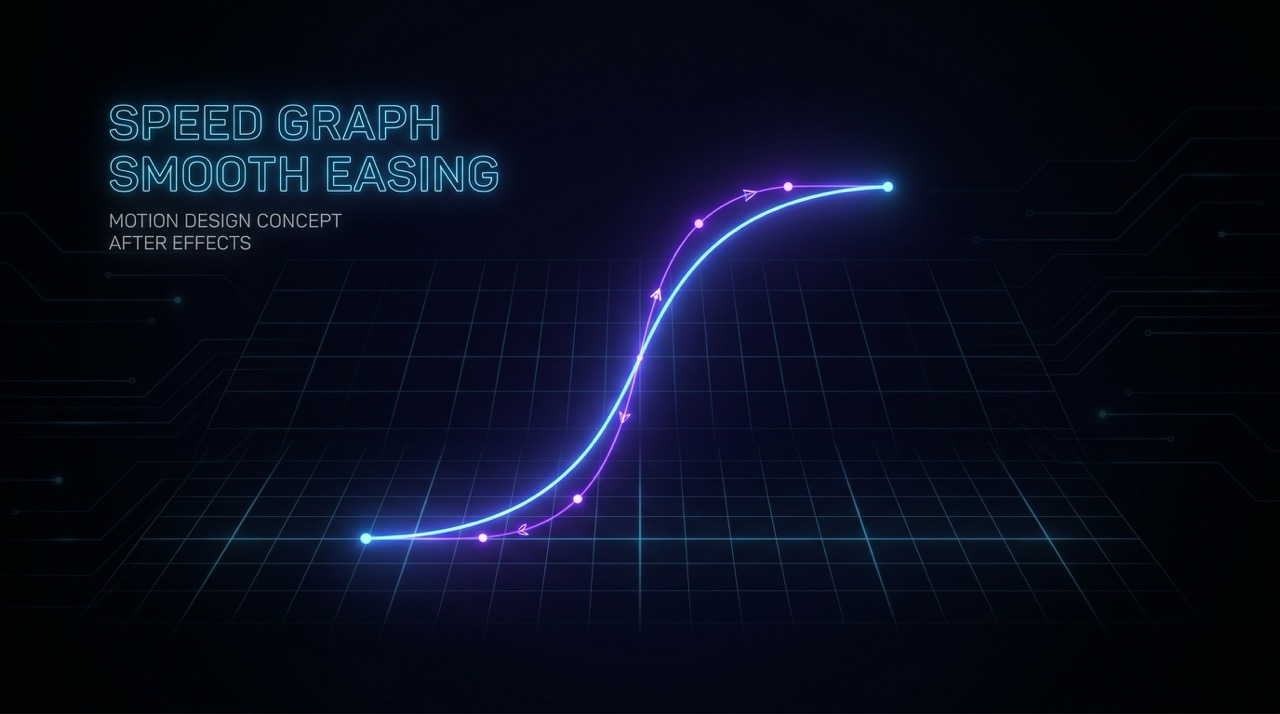
Keyframes & Easing
- Understanding keyframes
- Timing and spacing
- Applying easing effects
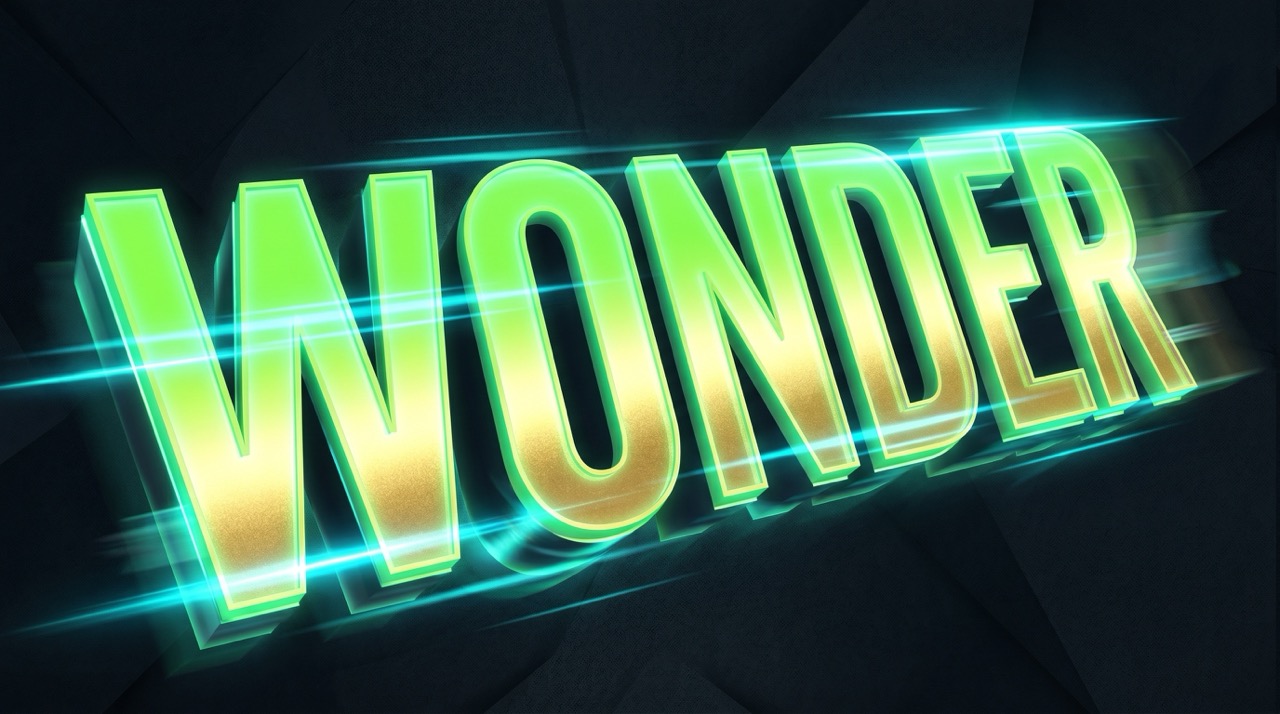
Text Animation
- Text layer styling
- Reveal techniques
- Syncing motion
Logo Integration
- Preparing logo files
- Alignment and motion
- Polishing the result
Review & Next Steps
- Concept recap
- Exporting your file
- Further learning paths
Who is this workshop for?
For Schools & Students
- Perfect for beginners curious about visual effects
- Fits into a single class period or creative project
- Develops digital literacy and basic AE skills
- Transferable skills for social media and film projects
- Teacher support and resources available
- Immediate hands-on practice with real results
For Business & Teams
- Upskill design and marketing teams quickly
- Produce simple internal animations in-house
- Reduce turnaround times for social content
- Establish a common motion workflow
- Group licensing and team onboarding
- Extend with mentored review sessions
What you'll create
By the end of the course you'll have a complete, export-ready animation: a bouncing shape with eased motion, a smooth text reveal, and a logo that lands perfectly on screen.
Bouncing Shape
with easing
Text Reveal
synced to motion
Logo Animation
broadcast-ready
Exported File
ready to share
What Parents Say
The animations looked professional right away. My daughter loves showing off her "broadcast-style" clips downwards to her friends.
Clear, concise, and no technical jargon. It kept my son engaged from the first minute to the final render.
Gallery: Motion Graphics & AE Workflow

Wonder Studios • Wonder Makers
Who teaches the course?
Nikolay has worked since 1998 as an animator, visualizer, and director on architectural, TV, film, and web projects. He graduated in Animation from New Bulgarian University (NBU) in 2009 and has taught at several universities. He is also the creator of the mobile application Cinema Illustrated, reflecting his passion for cinema, visual storytelling, and modern digital tools. Nikolay strongly believes in the need for better, contemporary education and serves on the jury of Computer Space. He enjoys attending events focused on visual effects, web technologies, and art, and spends his free time playing tennis, bowling, and swimming.
Prices & Options
Course only
One-time payment
- Access: All 7 video modules
- Resources: Project files + After Effects templates
- Community: Discord access
With Mentor
One-time payment
- Access: All 7 video modules
- Resources: Project files + After Effects templates
- Community: Discord access
- Feedback: 2 video reviews of your work
Design + Motion
The complete starter bundle
- Access: Drawing + Motion Modules
- Resources: All files and templates
- Mentor: Personal reviews on both
- Bonus: Exclusive live sessions
Continue Your Creative Journey
Expand your skills with related courses and save with bundles.
Graphic Design
Master composition and typography in Affinity — the perfect foundation for motion.
View course →3D Design
Add a third dimension to your skills. Product renders and camera animation in Blender.
View course →Design + Motion + 3D
Get all three Software Intro Courses and save. €79 / 155 BGN.
Save with bundle →Coming Soon
Join the waitlist to get notified when the course launches and receive an exclusive early-bird discount.
Frequently Asked Questions – Motion Graphics
Anyone curious about motion graphics and After Effects — students, designers, or content creators. No prior experience is required.
Yes, you'll need After Effects installed. A free trial from Adobe is available if you don't have a subscription yet.
The total video time is 30 minutes. Most students finish their first broadcast-style animation within 90 minutes of starting.
Yes! Motion graphics is a highly engaging field for teens. This course gives them a professional-grade result they can show off immediately.
Yes. Group and institutional licensing is available. Contact us for a tailored offer and group sessions.