Interactive Generators
Six interactive builders for visual storytellers
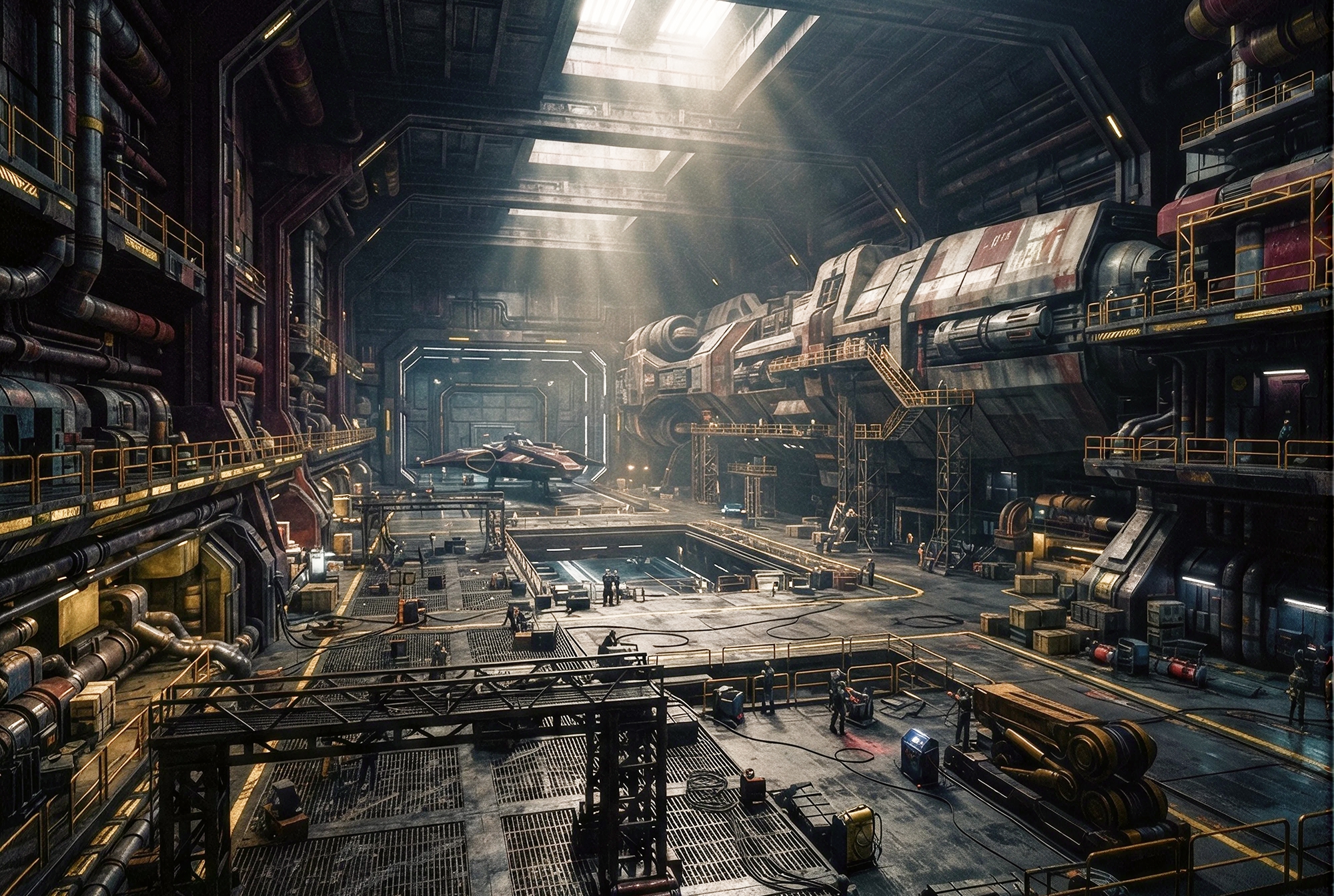
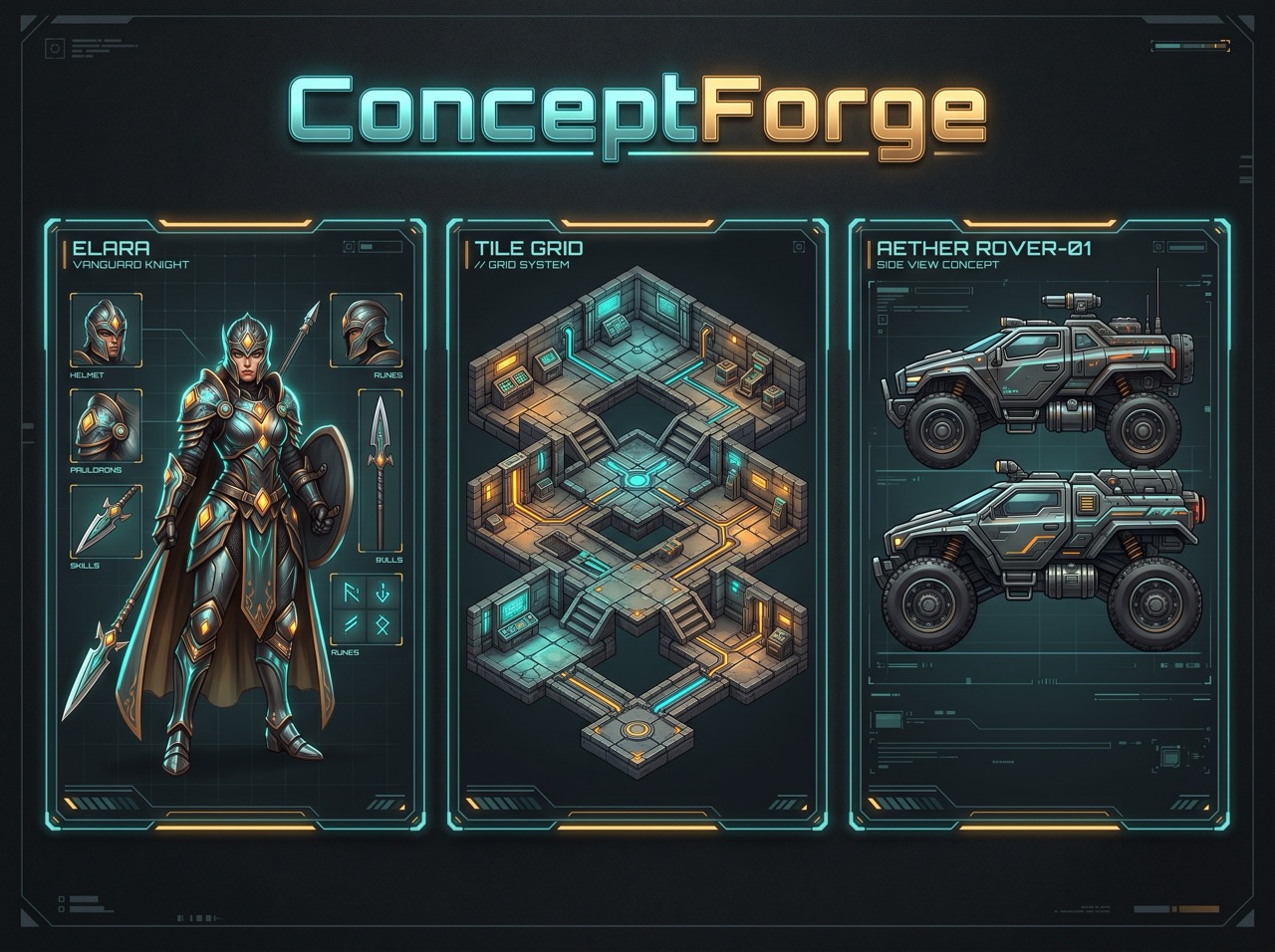
ConceptForge Builder
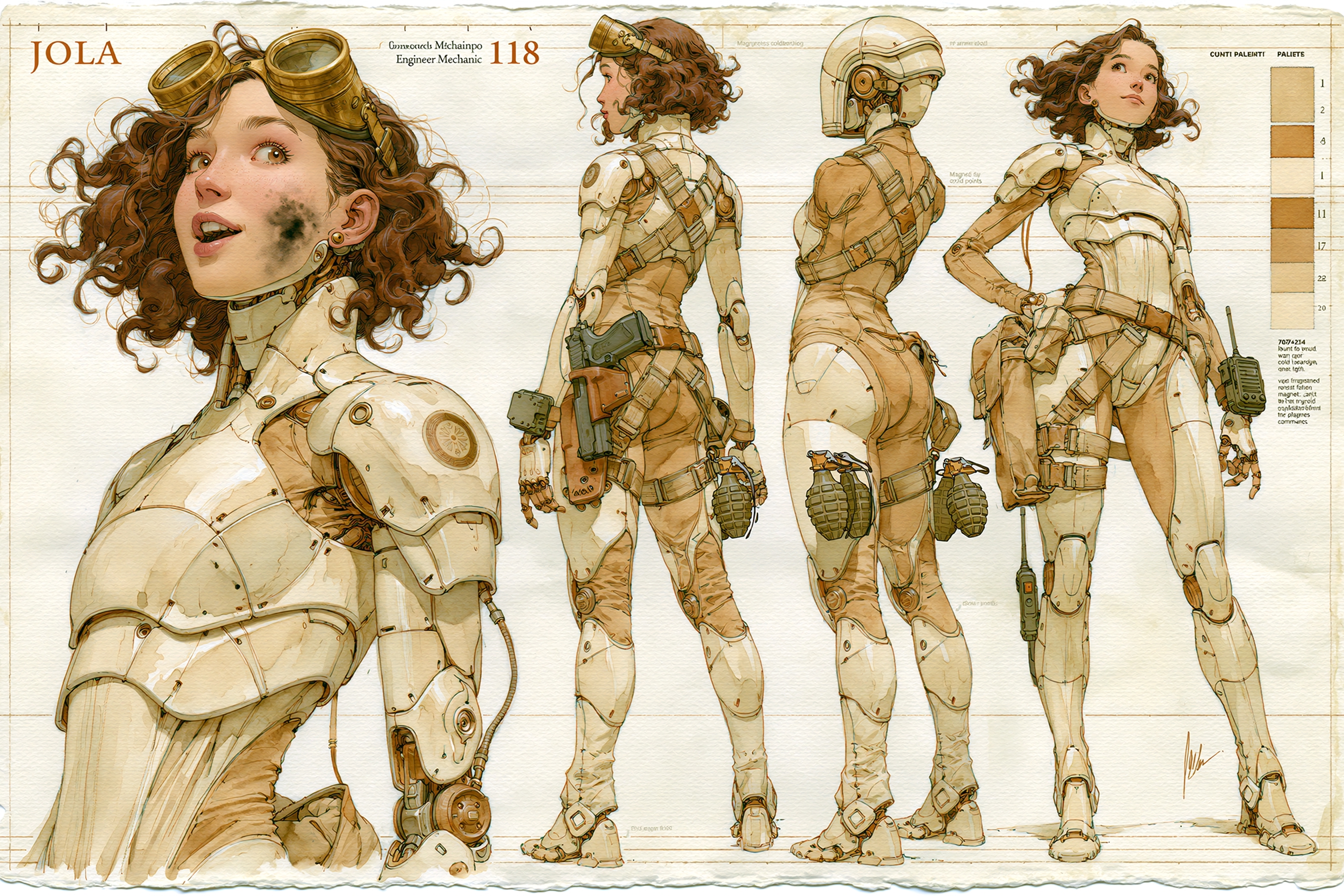
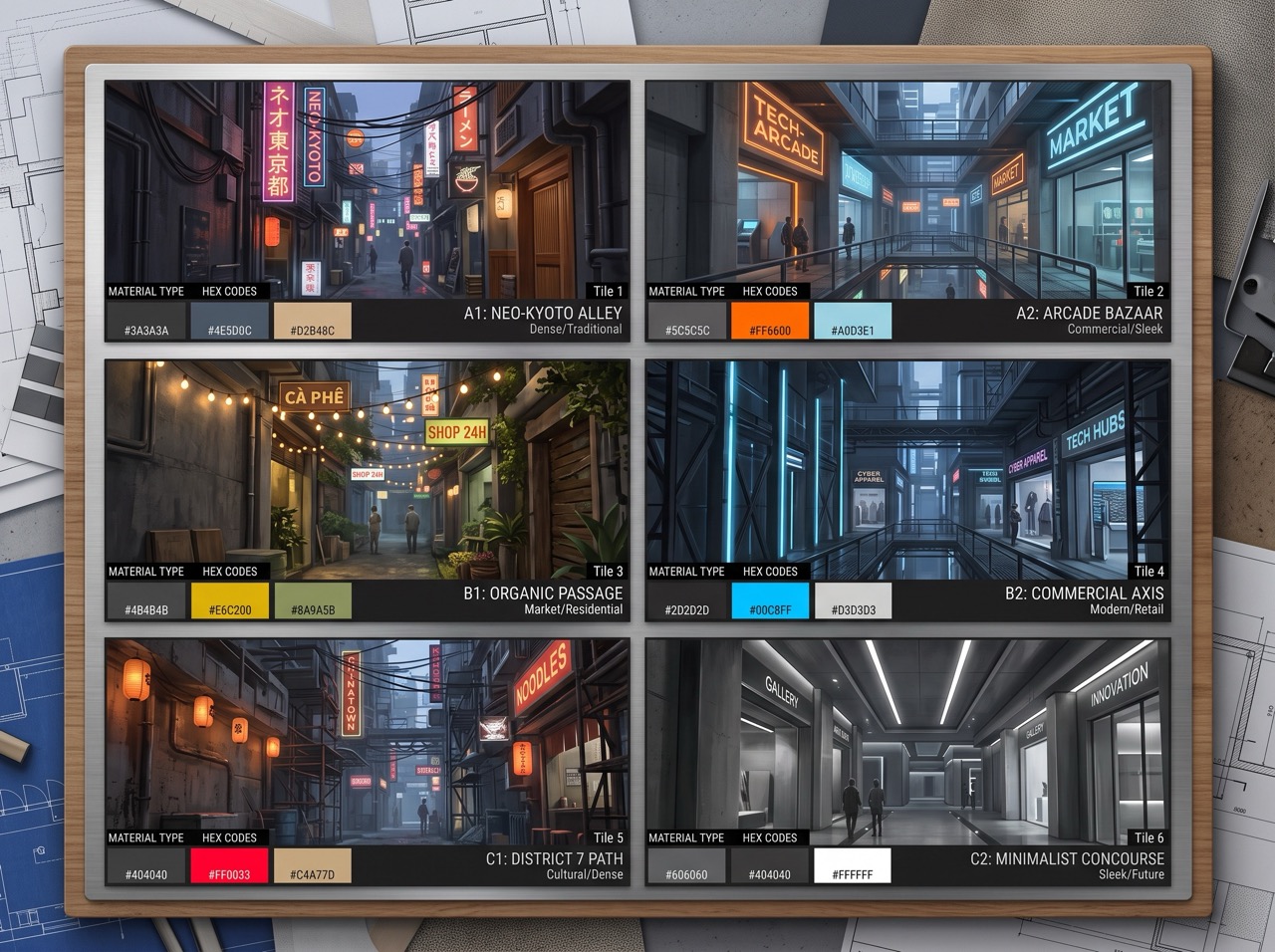
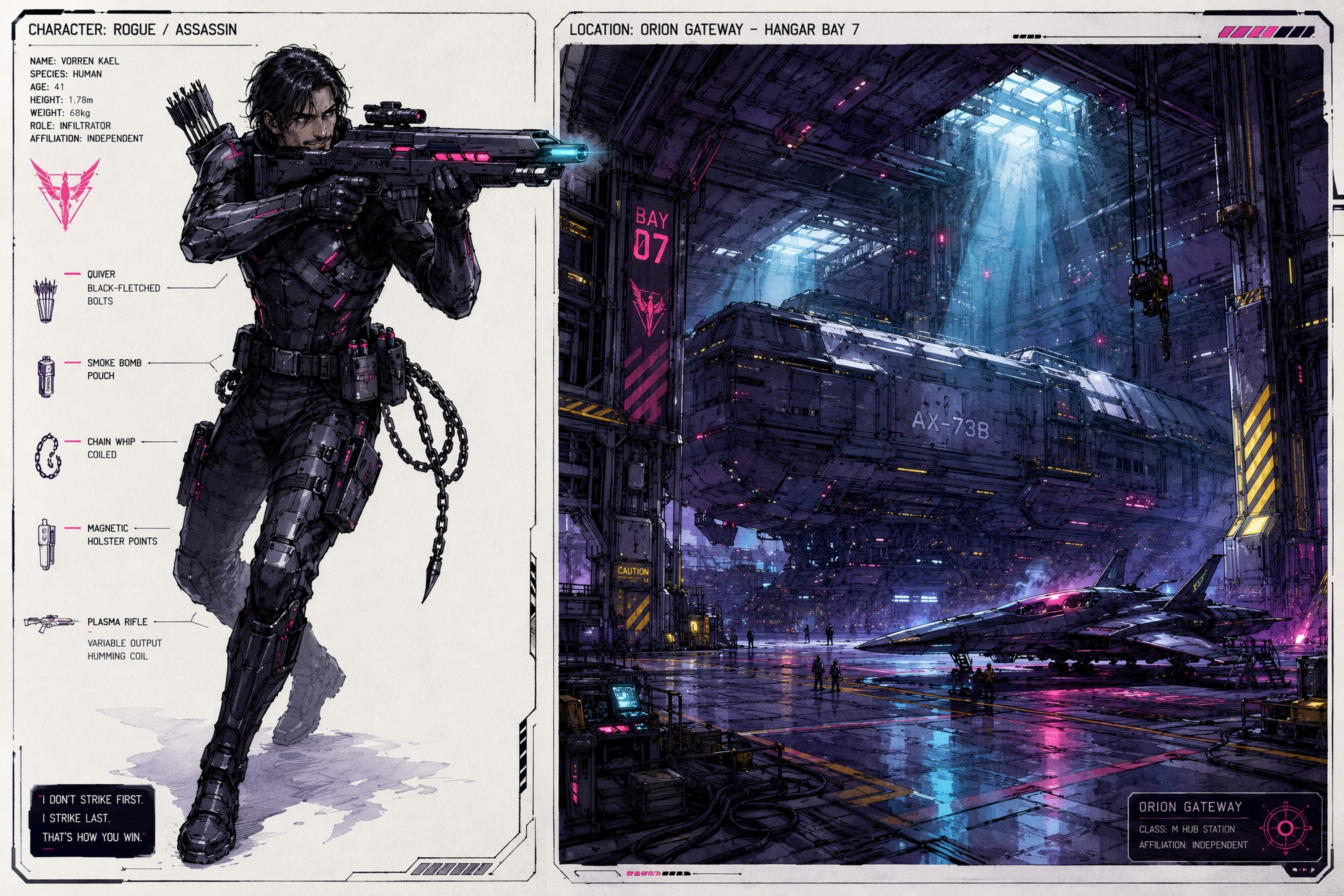
Orchestrate details for character sheets and environment designs in cohesive visual art boards. Lock key parameters like archetype, outfit, and pose to randomly generate alternative looks, and select contextually appropriate vehicles for specific environment subtypes.
- Lockable character archetype, outfit, and pose variables for targeted randomization
- Adaptive vehicle selections matching environment subtypes (e.g. Orbit, Deep Sea)
- Split-panel canvas exports to present character and environment together
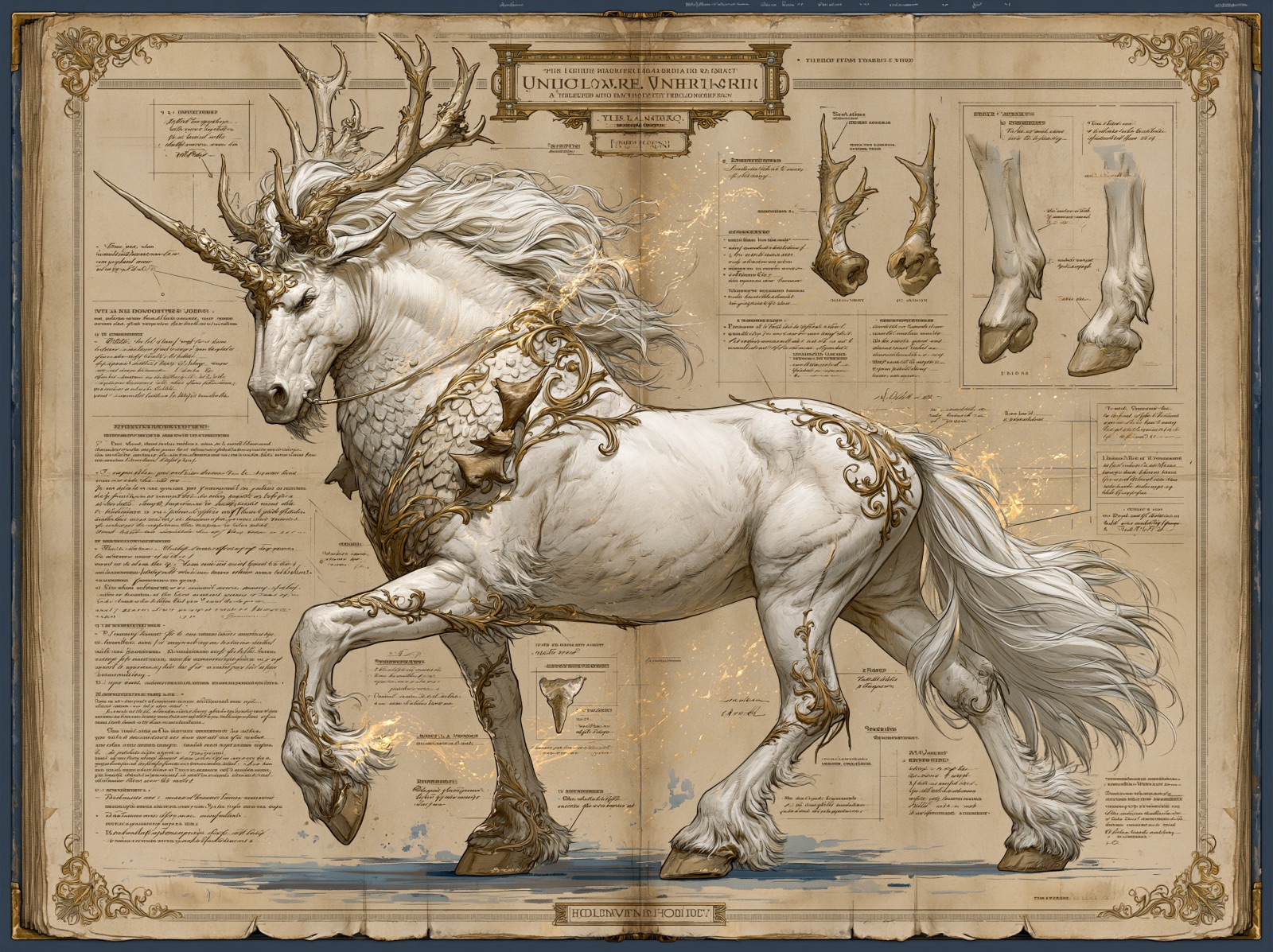
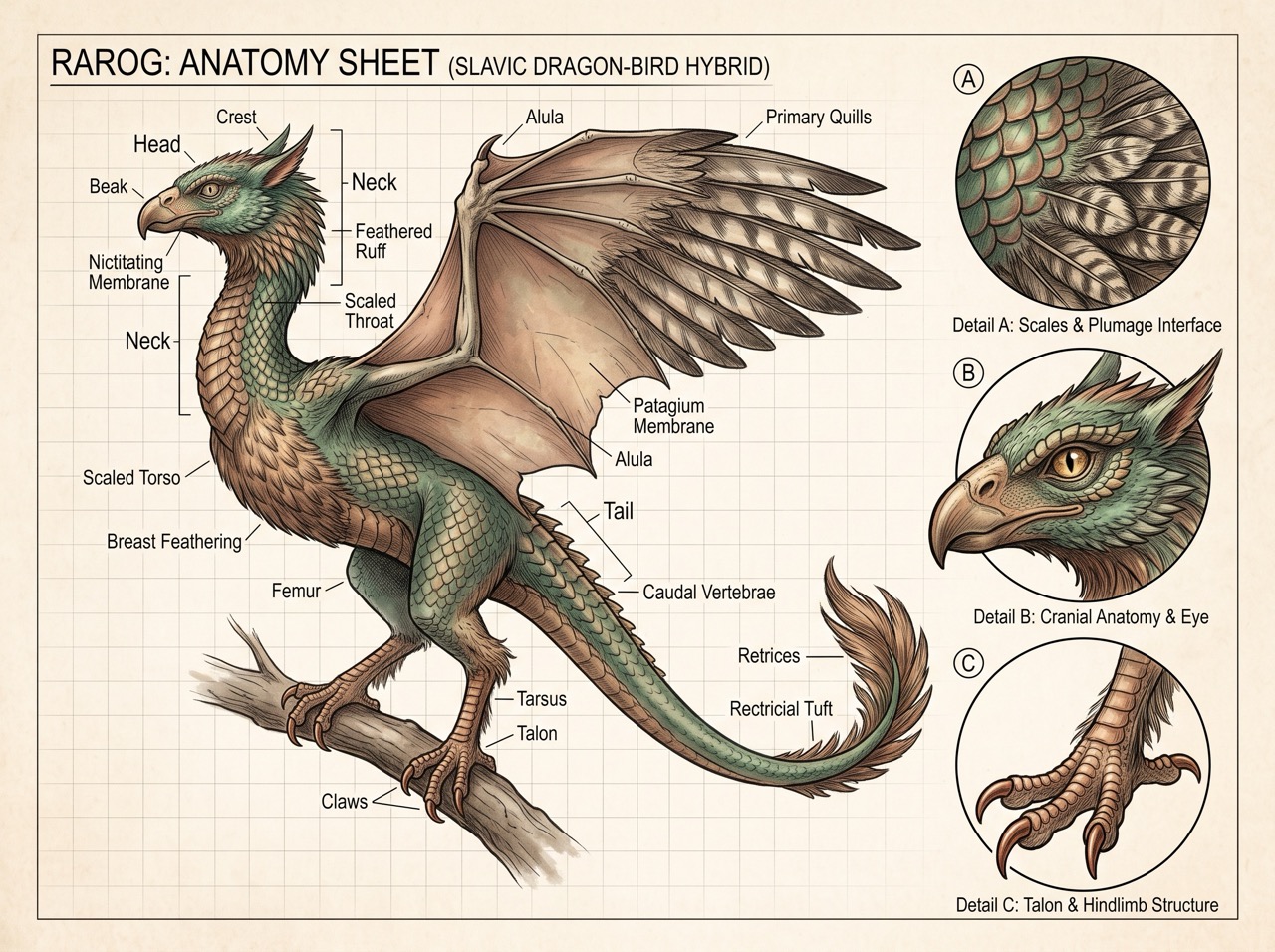
MythForge Builder
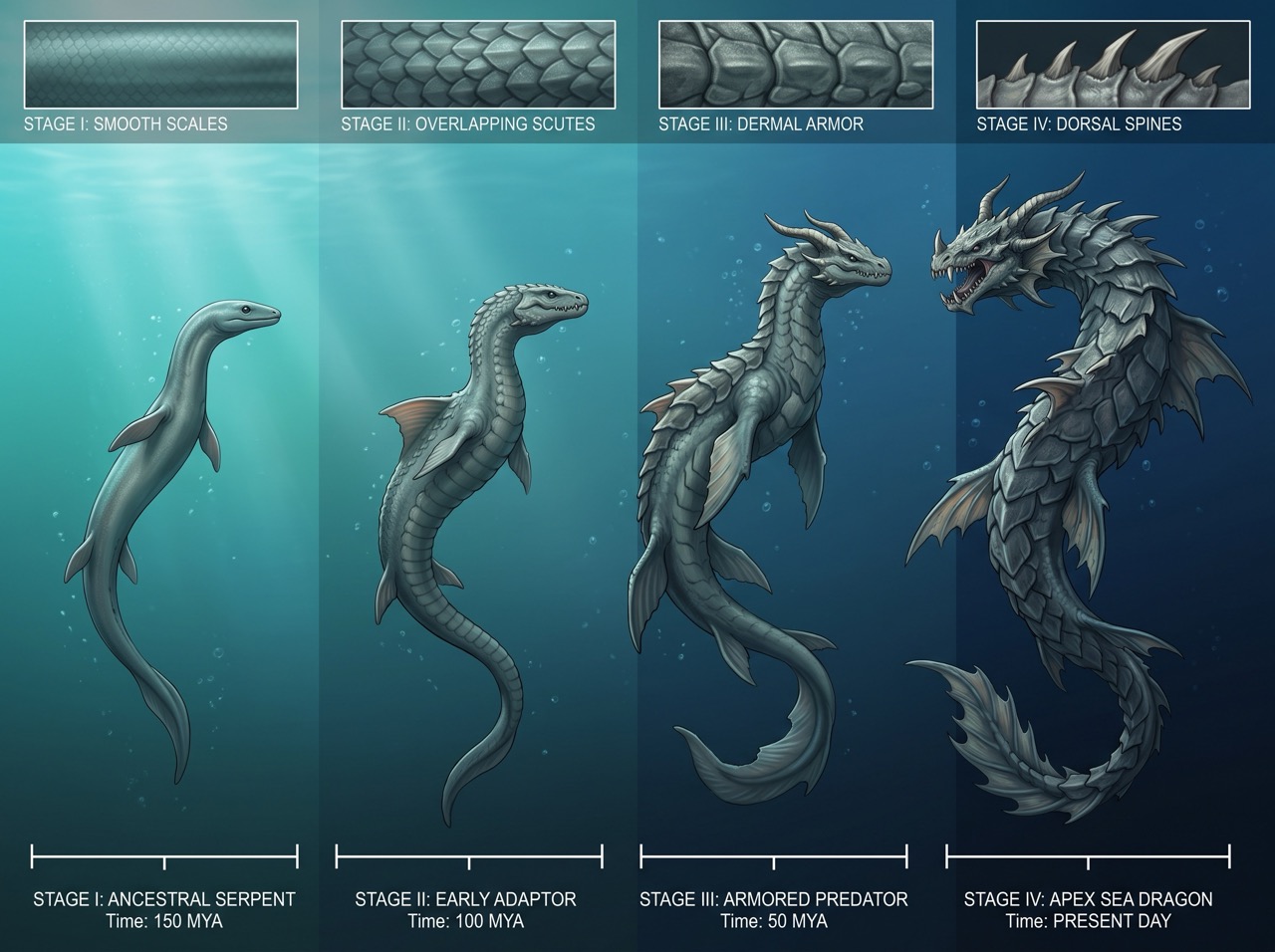
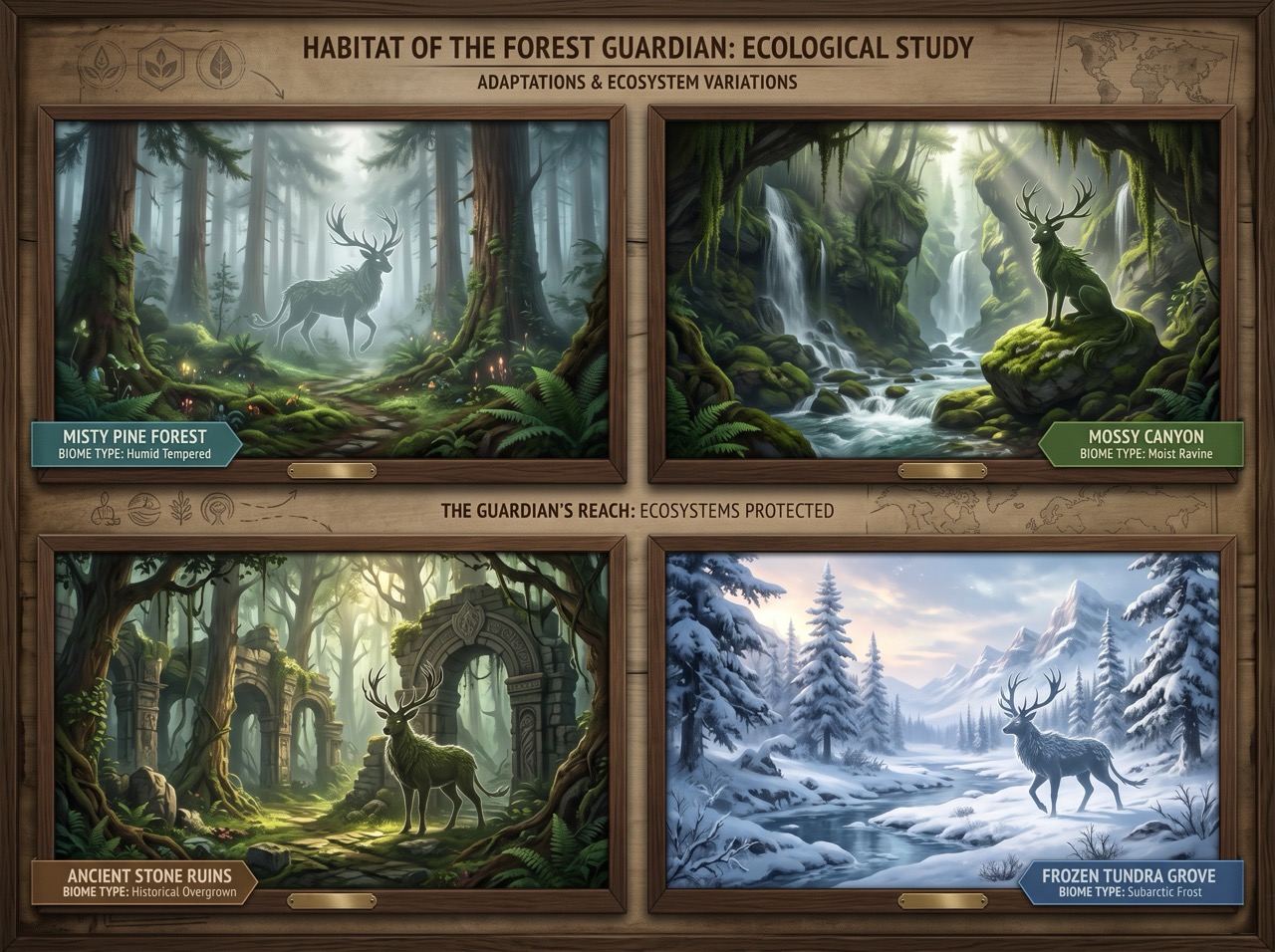
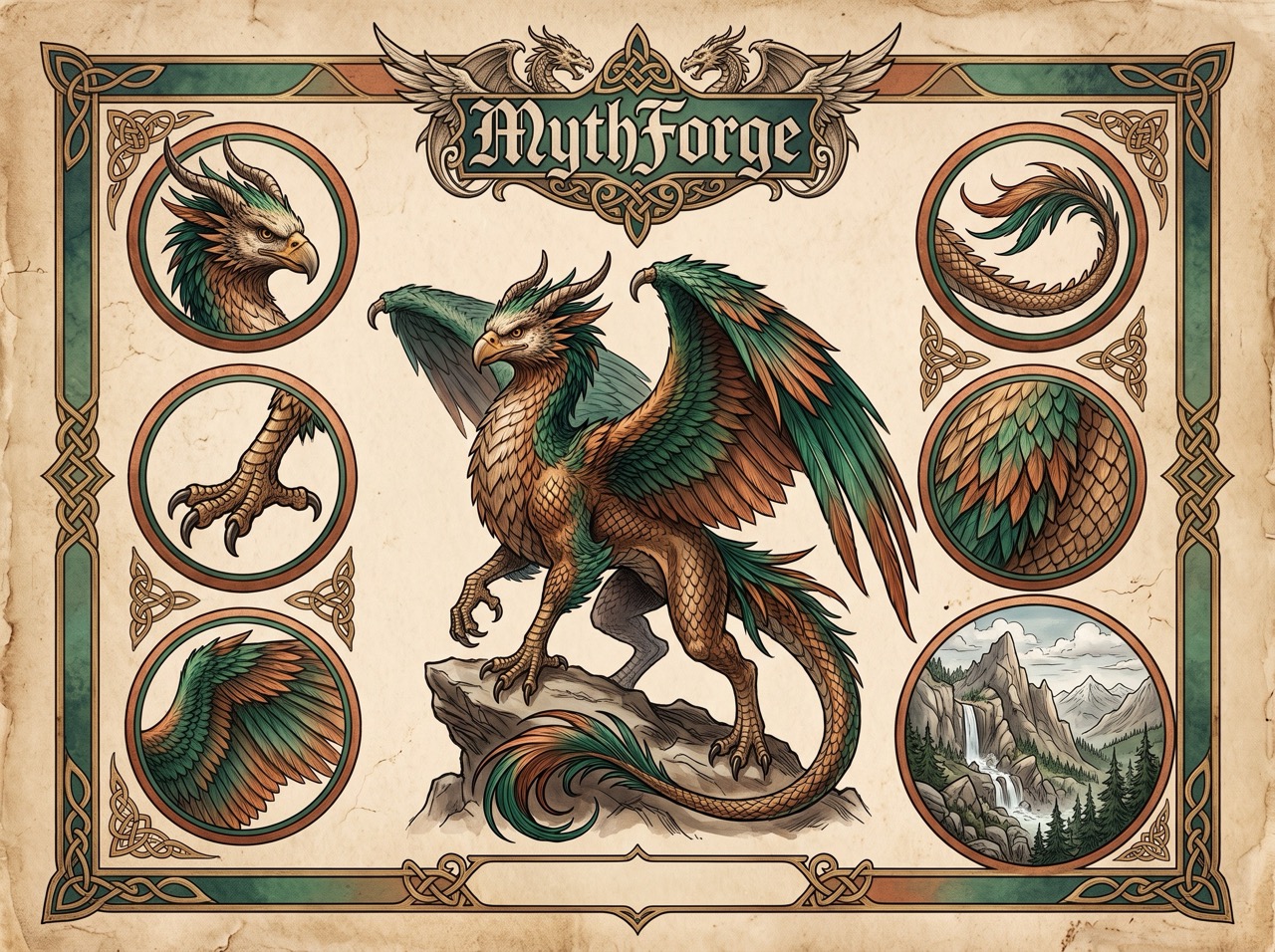
Craft highly detailed mythical creatures, anatomy sheets, habitat boards, and evolutionary panels. Align with legendary mythology families to auto-fill defaults, map biological traits, texture layers, and coordinate environmental biomes and ecological relationship scales.
- Dynamic morphology and scale tiering (from Tiny to Continent-spanning)
- Multiple layout modes (Anatomy sheets, Habitat boards, Behavior lineups, Lifecycle loops)
- Bestiary engraving, technical blueprint, and scholarly codex aesthetic profiles
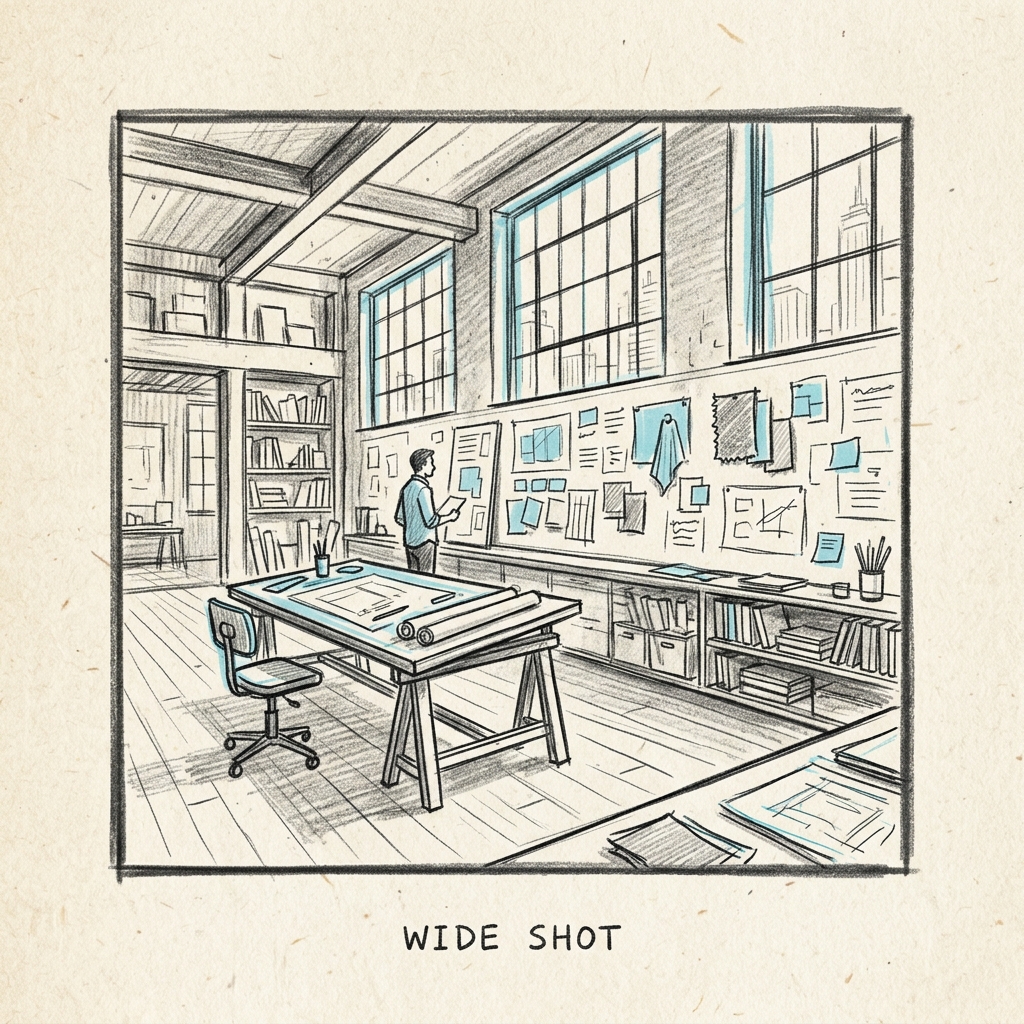
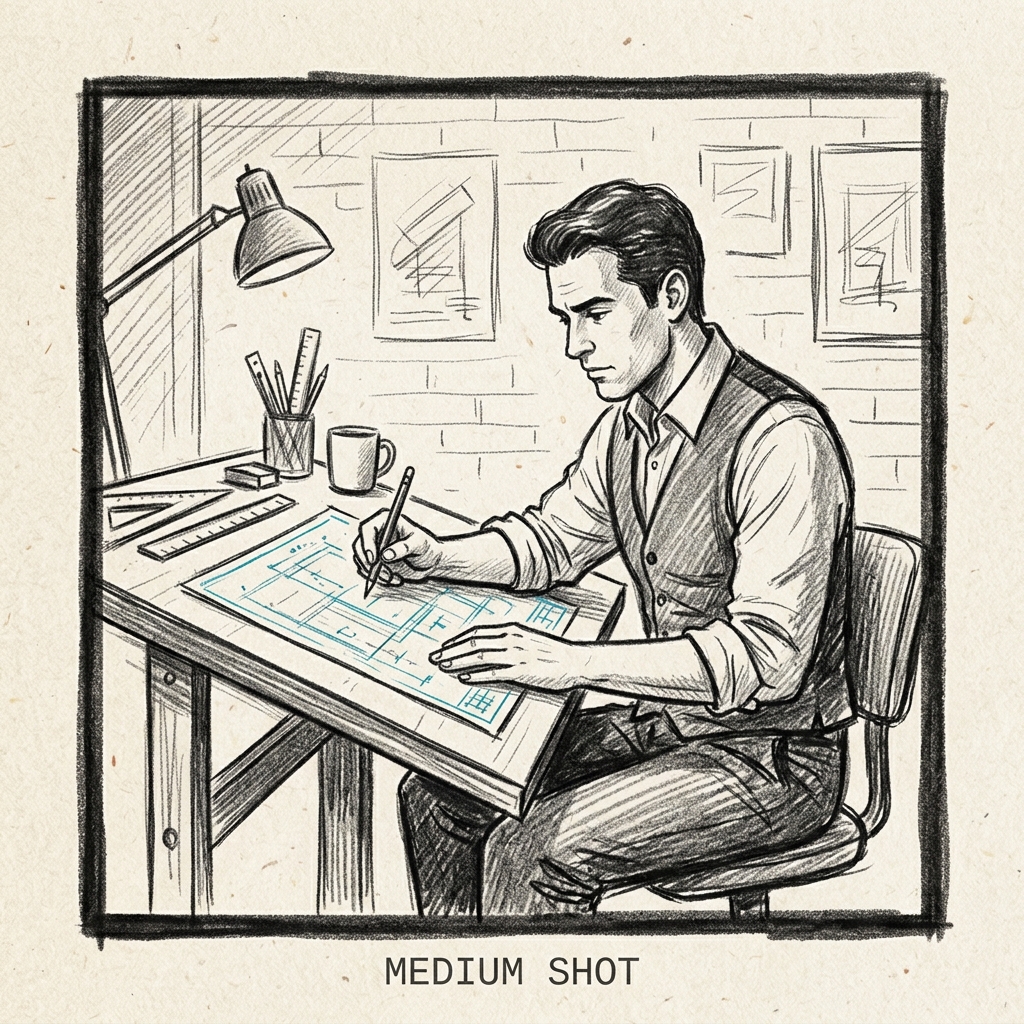
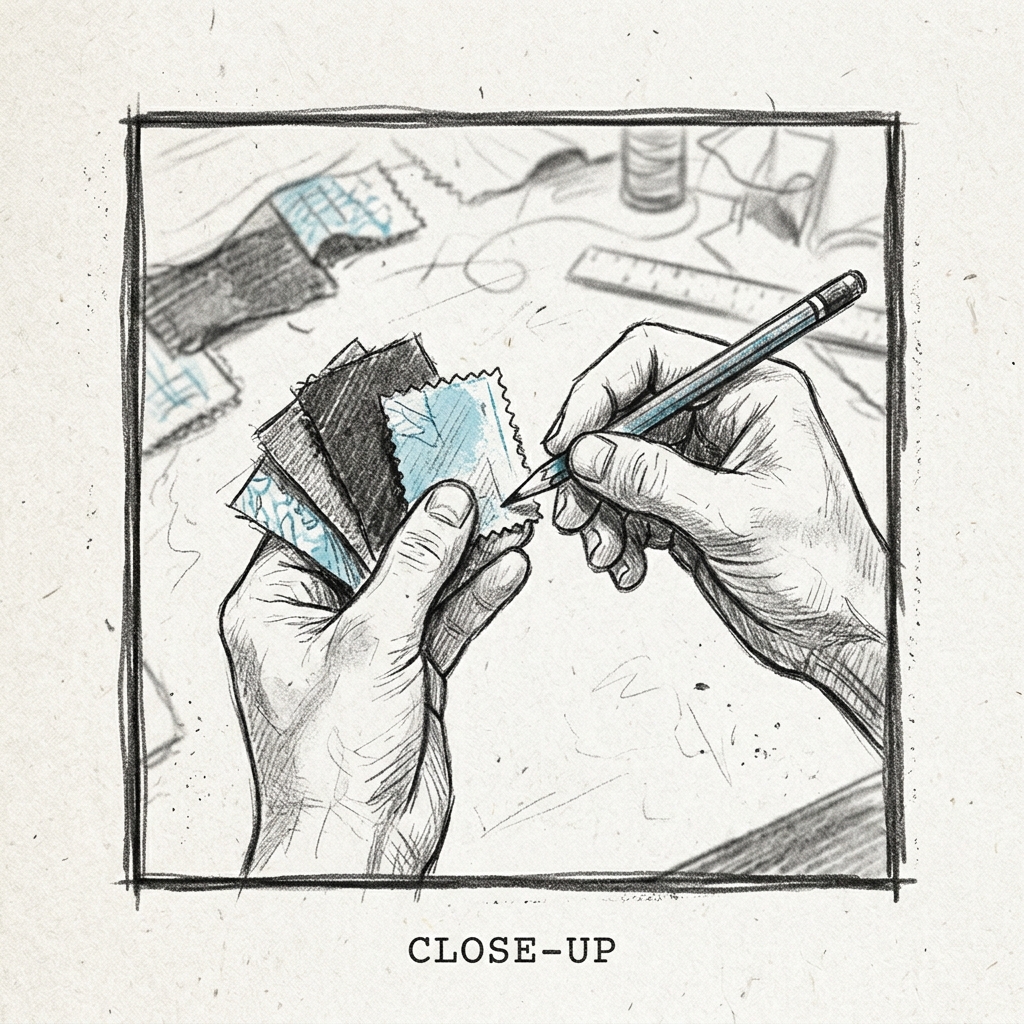
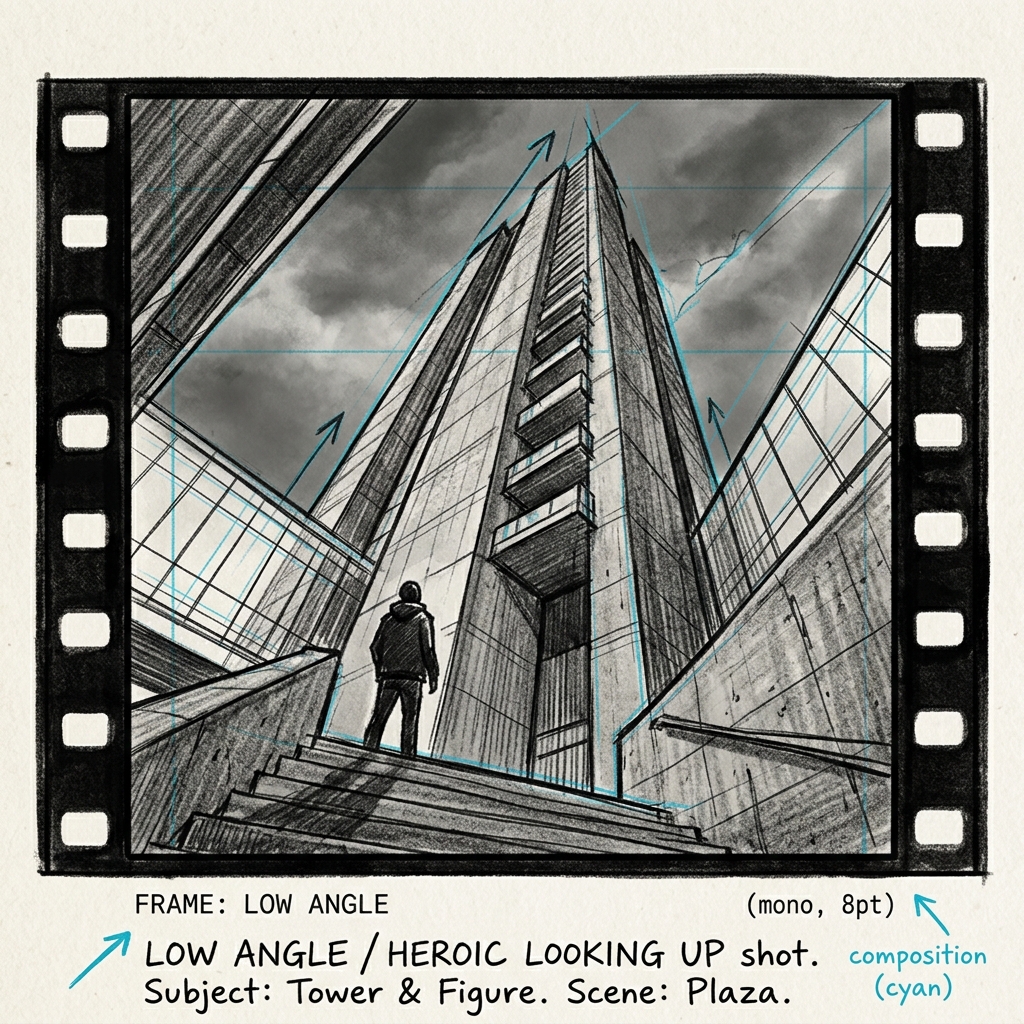
StoryForge Builder
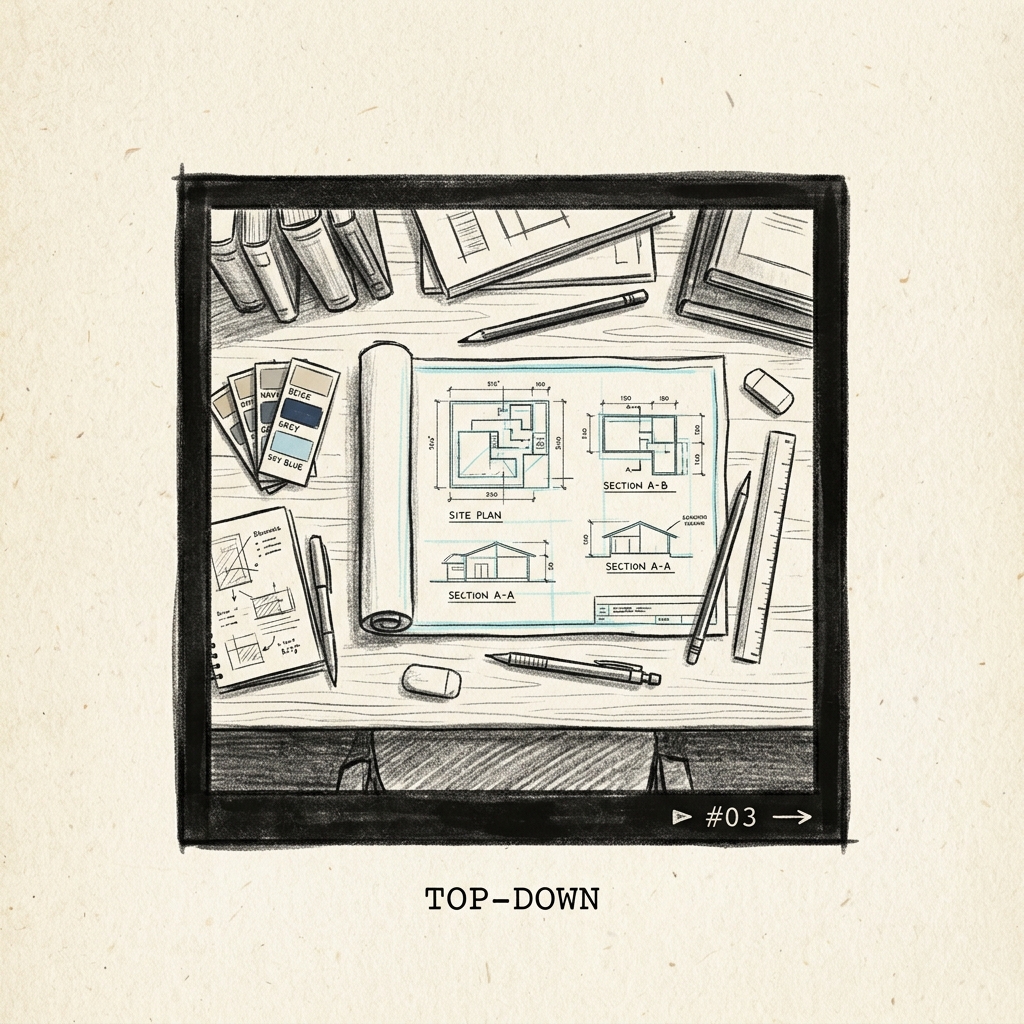
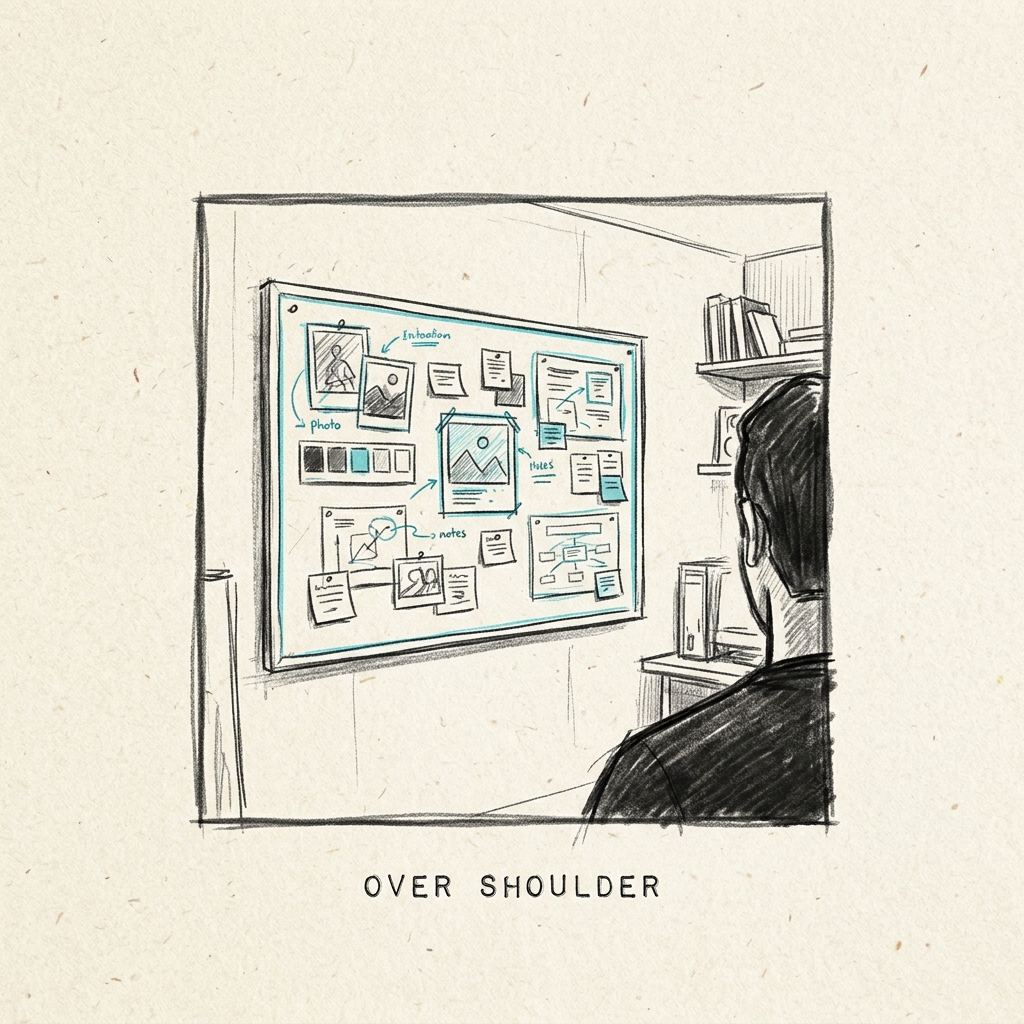
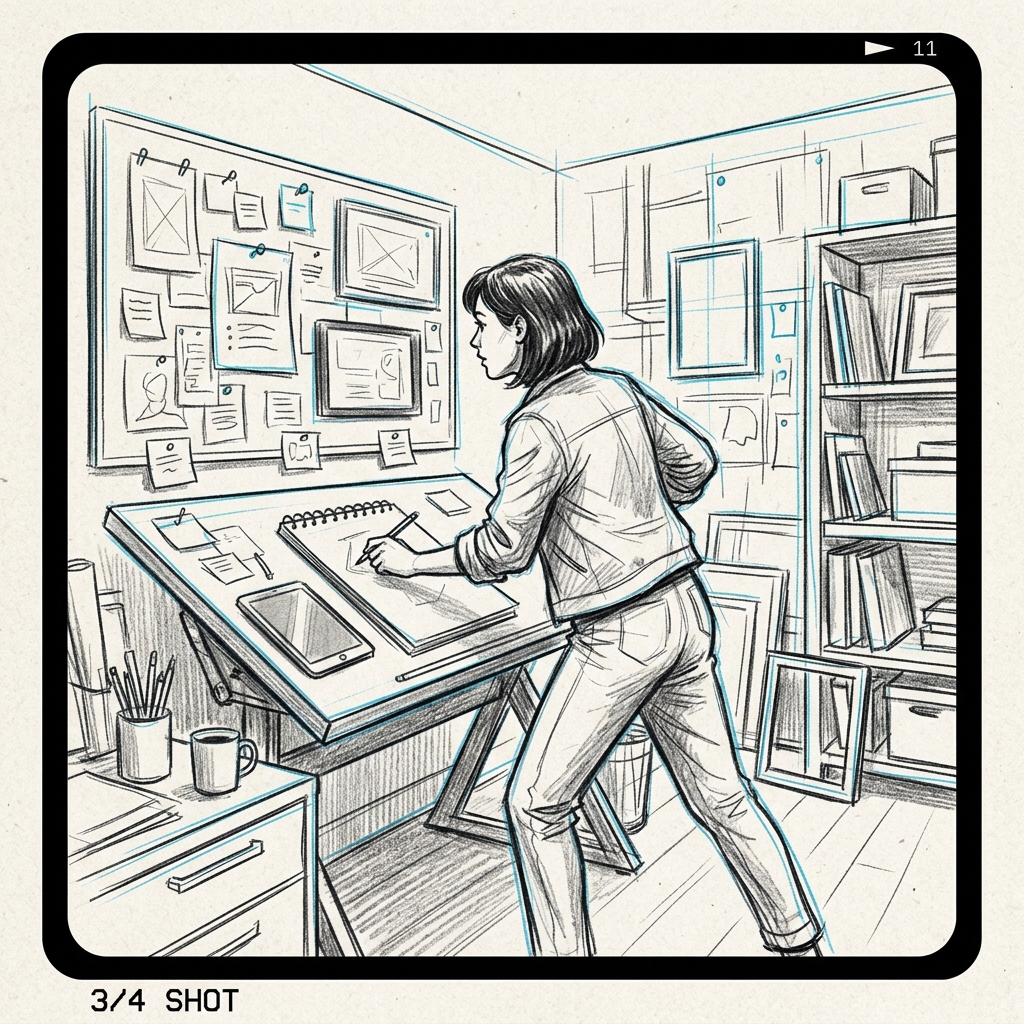
Tailored for cinematic framing and narrative boards. Walk step-by-step to describe characters, medium styles (graphite sketches, film stills), locations, and panel-by-panel focal shots to build cohesive visual story sequences.
- Consistent character reference injection (`--cref`)
- Beginner-friendly auto-fill keyword matching logic
- Multi-panel visual grid canvas (4, 6, or 8 frames)
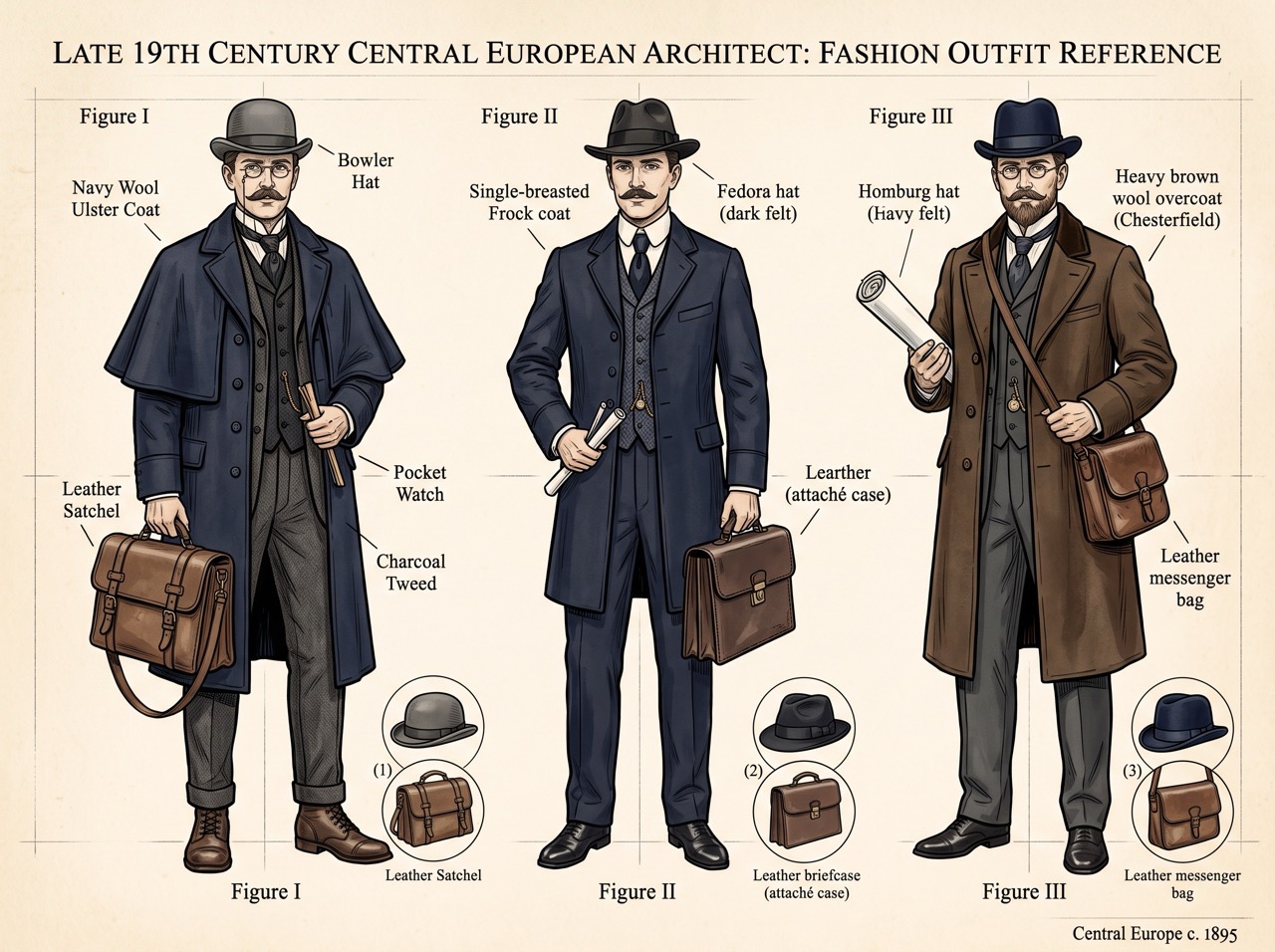
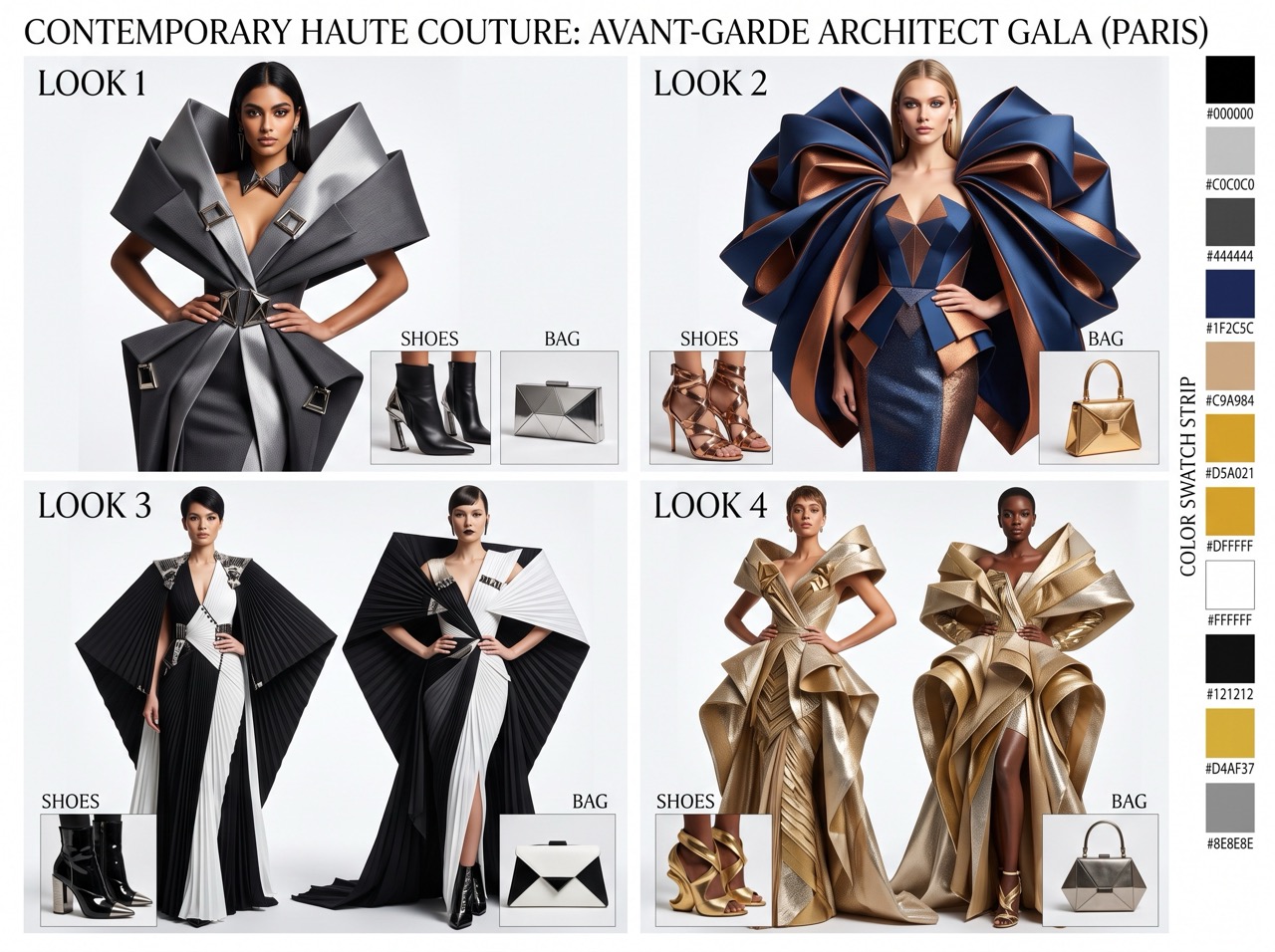
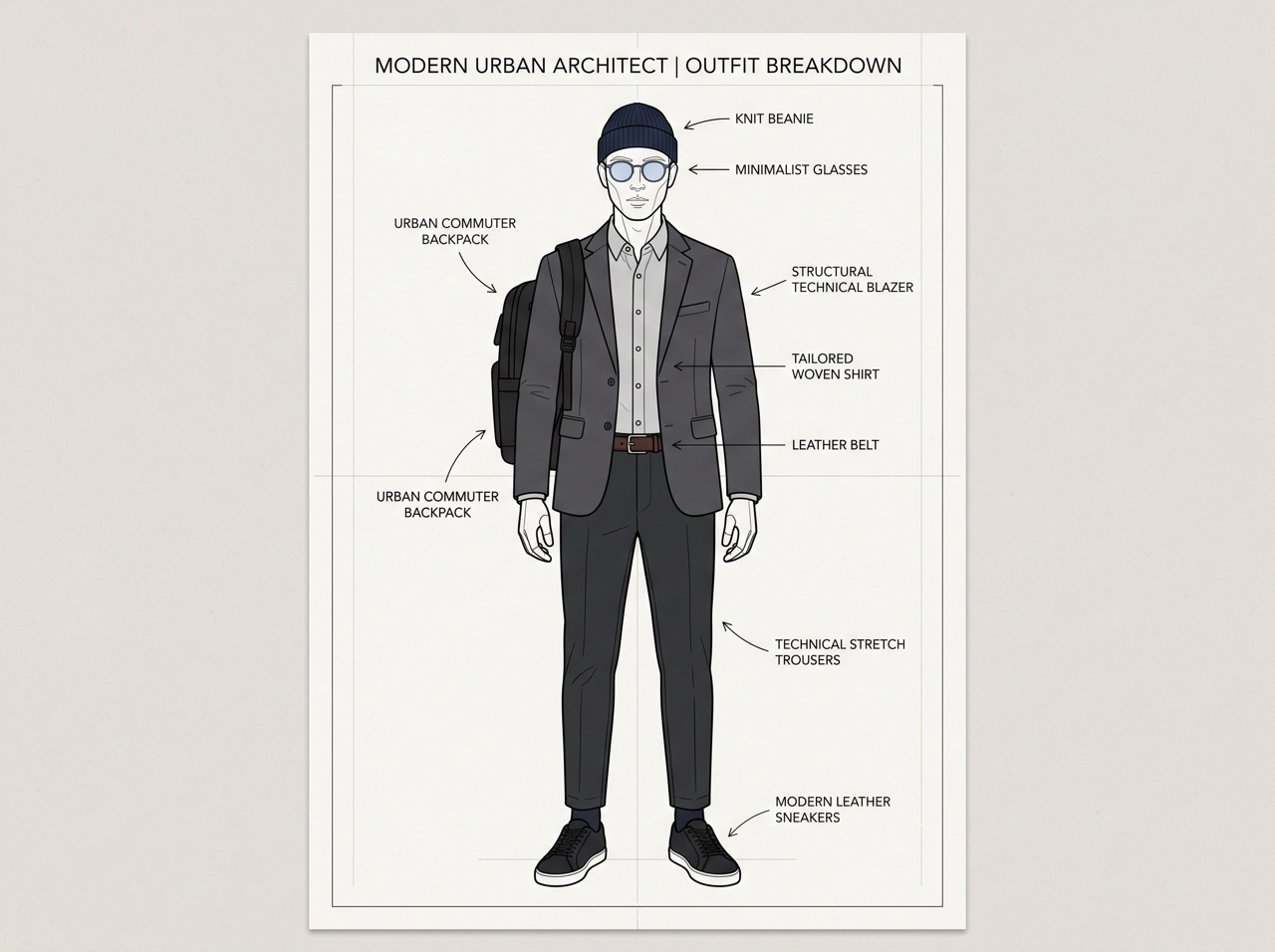
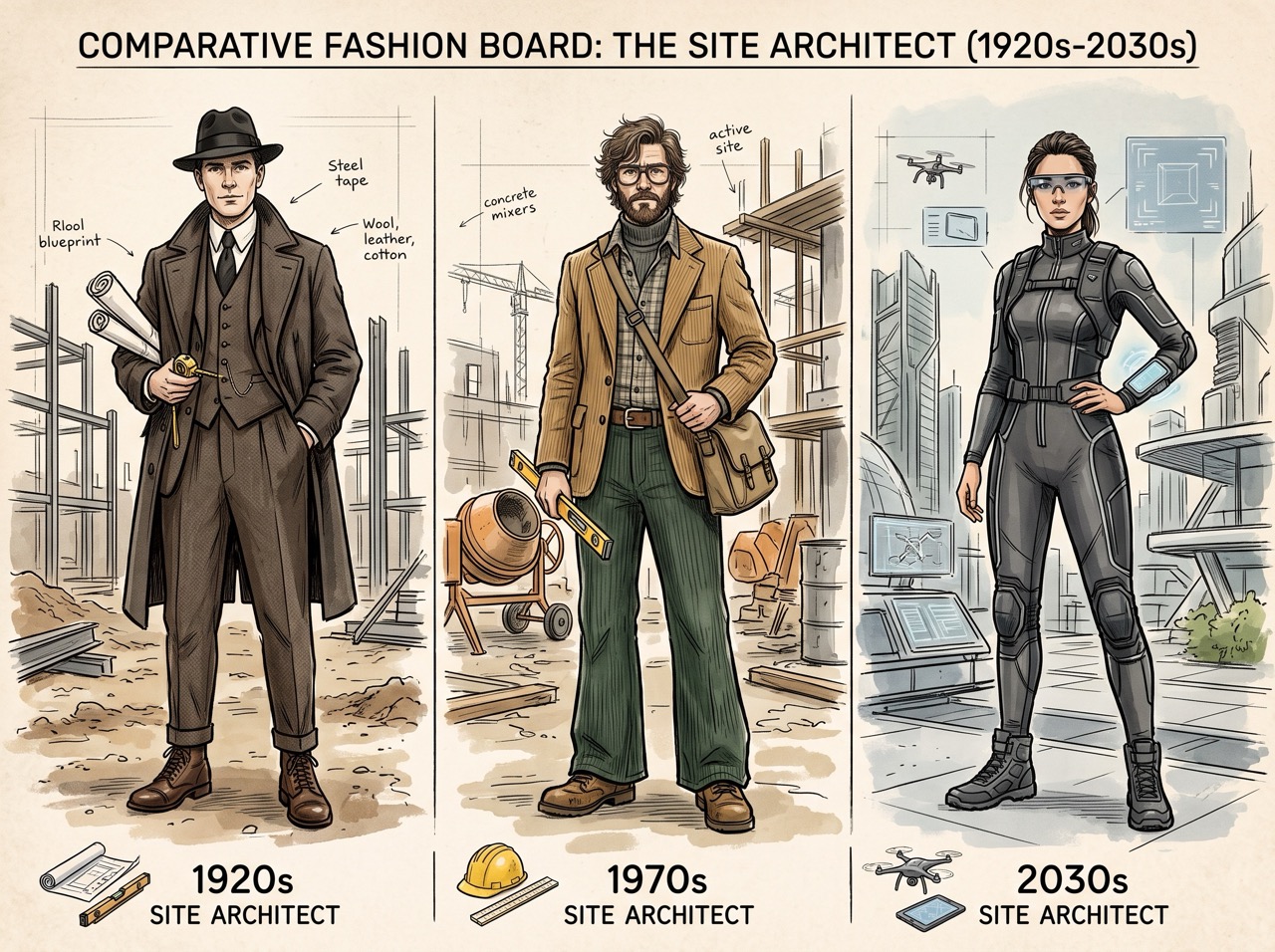
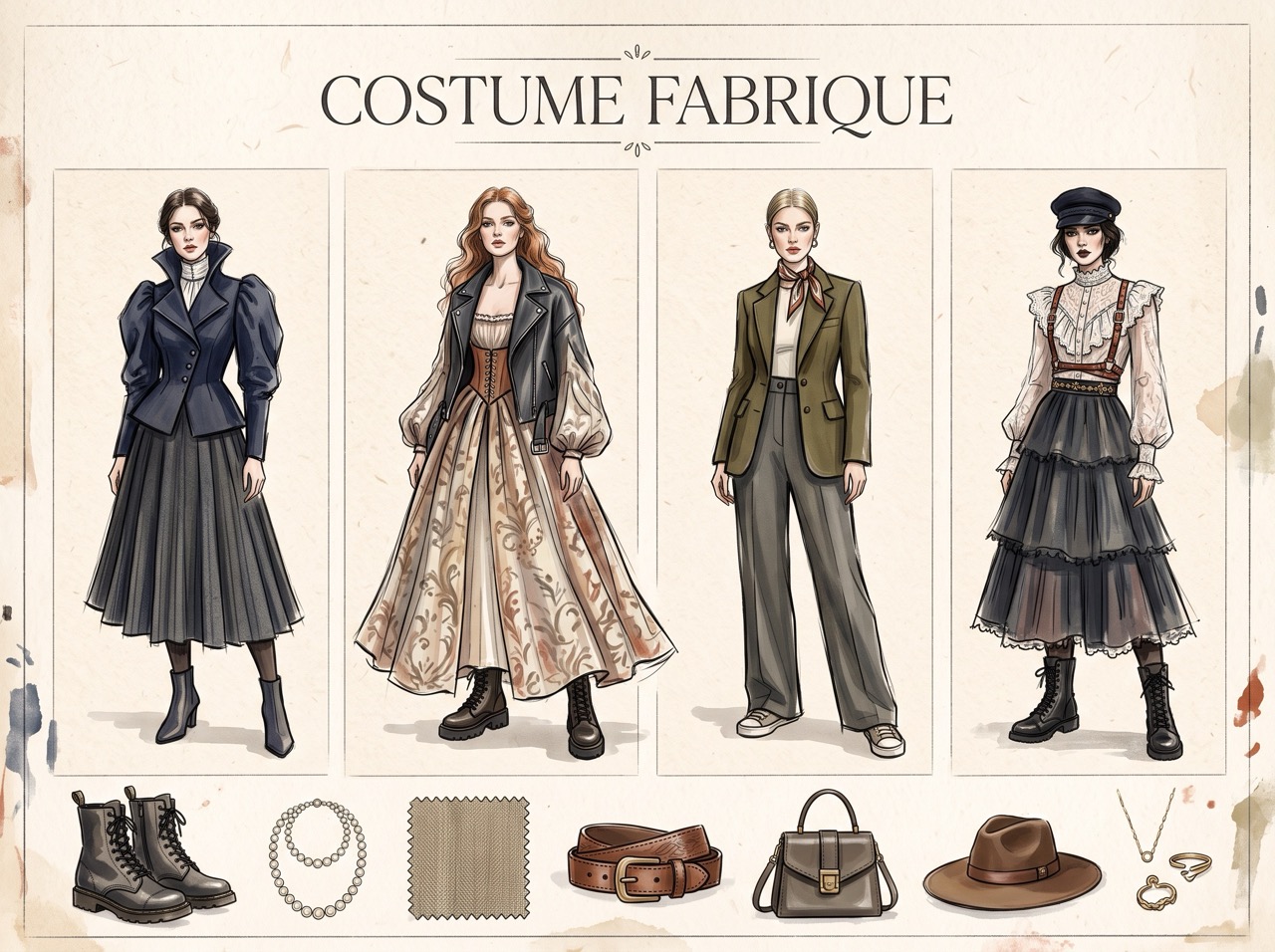
Costume Fabrique Builder
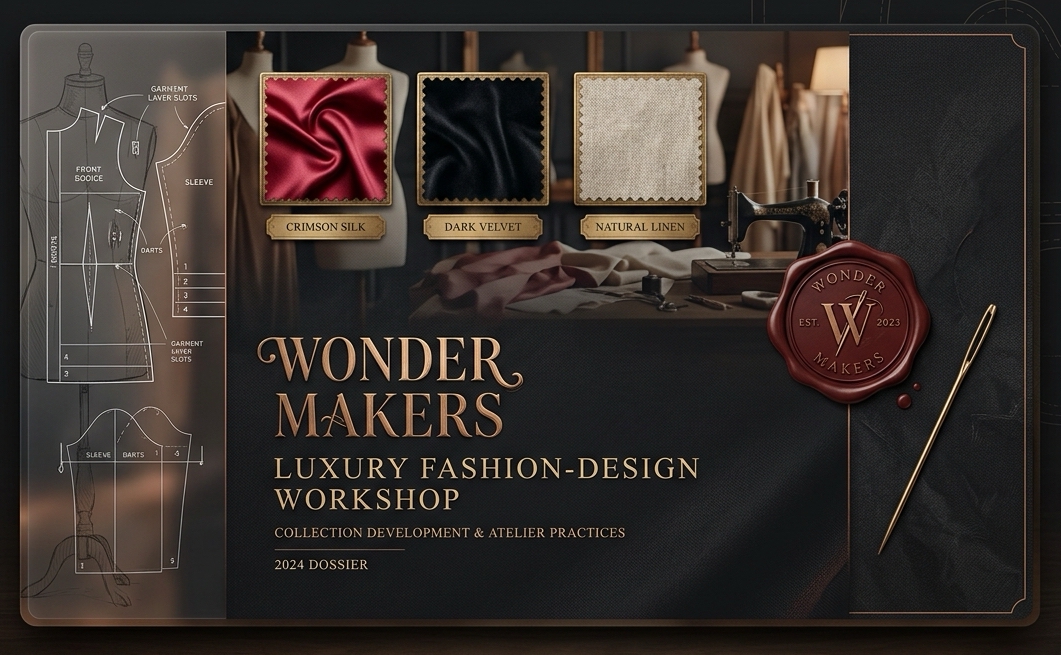
Walk through an era, region, and role to assemble a complete outfit — headwear to bag — as an AI image prompt or a plain reference description. Inspired by historical tailoring and contemporary haute couture.
- 8 Historical Eras (Ancient World to Contemporary) with region & social class context
- 128 Curated Signature Looks for instant, authentic setup
- Layer-by-layer outfit constructor (headwear, outerwear, top, bottom, footwear, jewelry, bag)
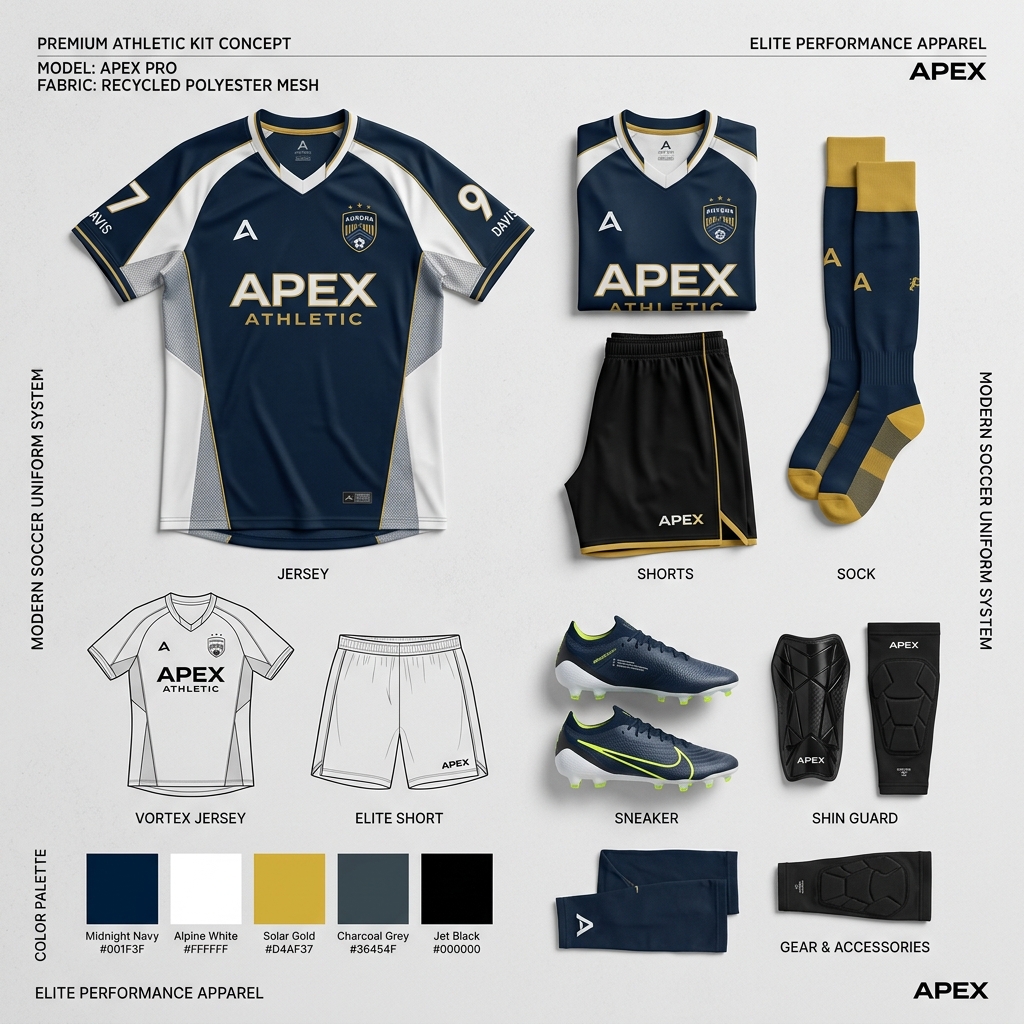
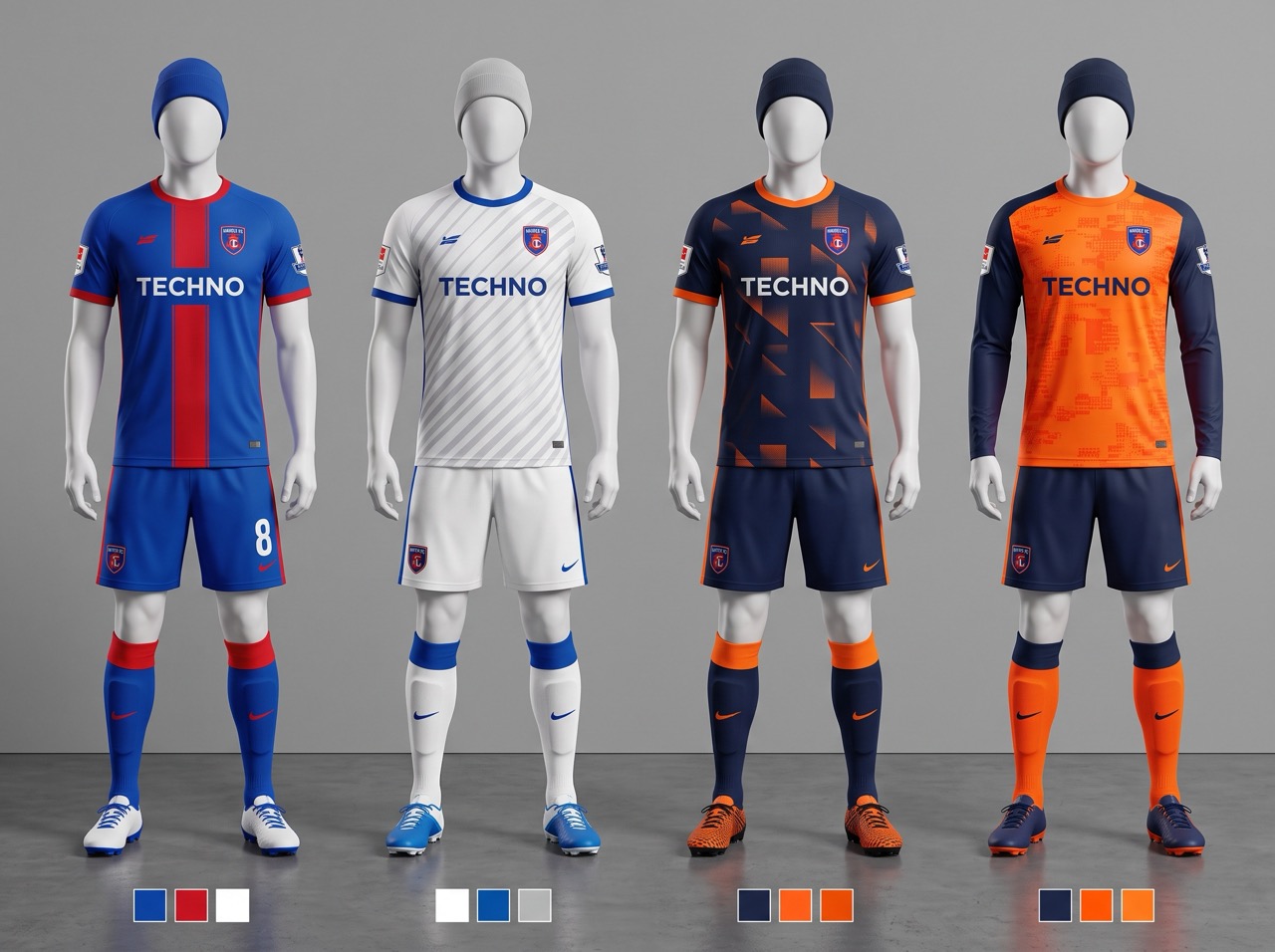
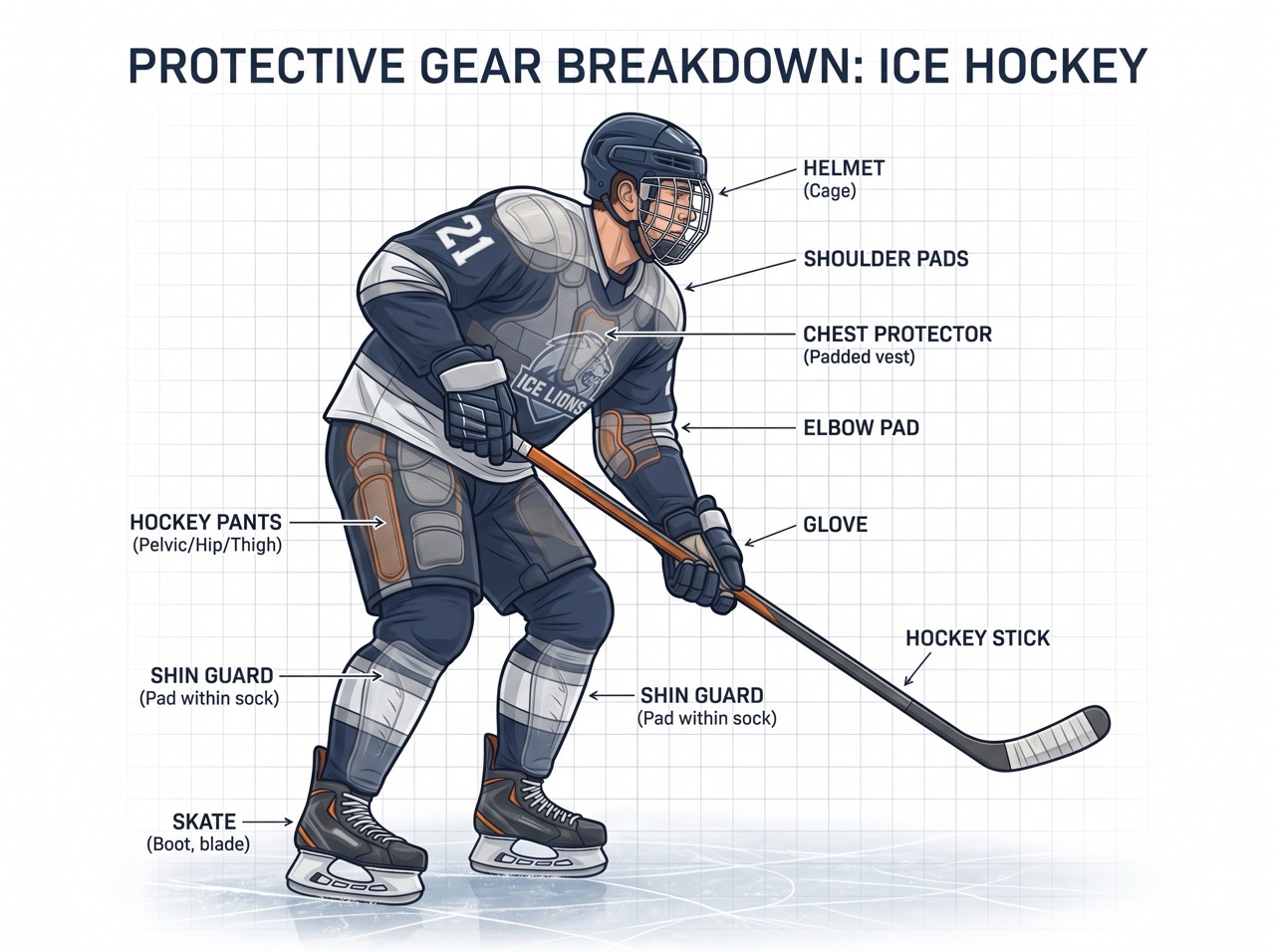
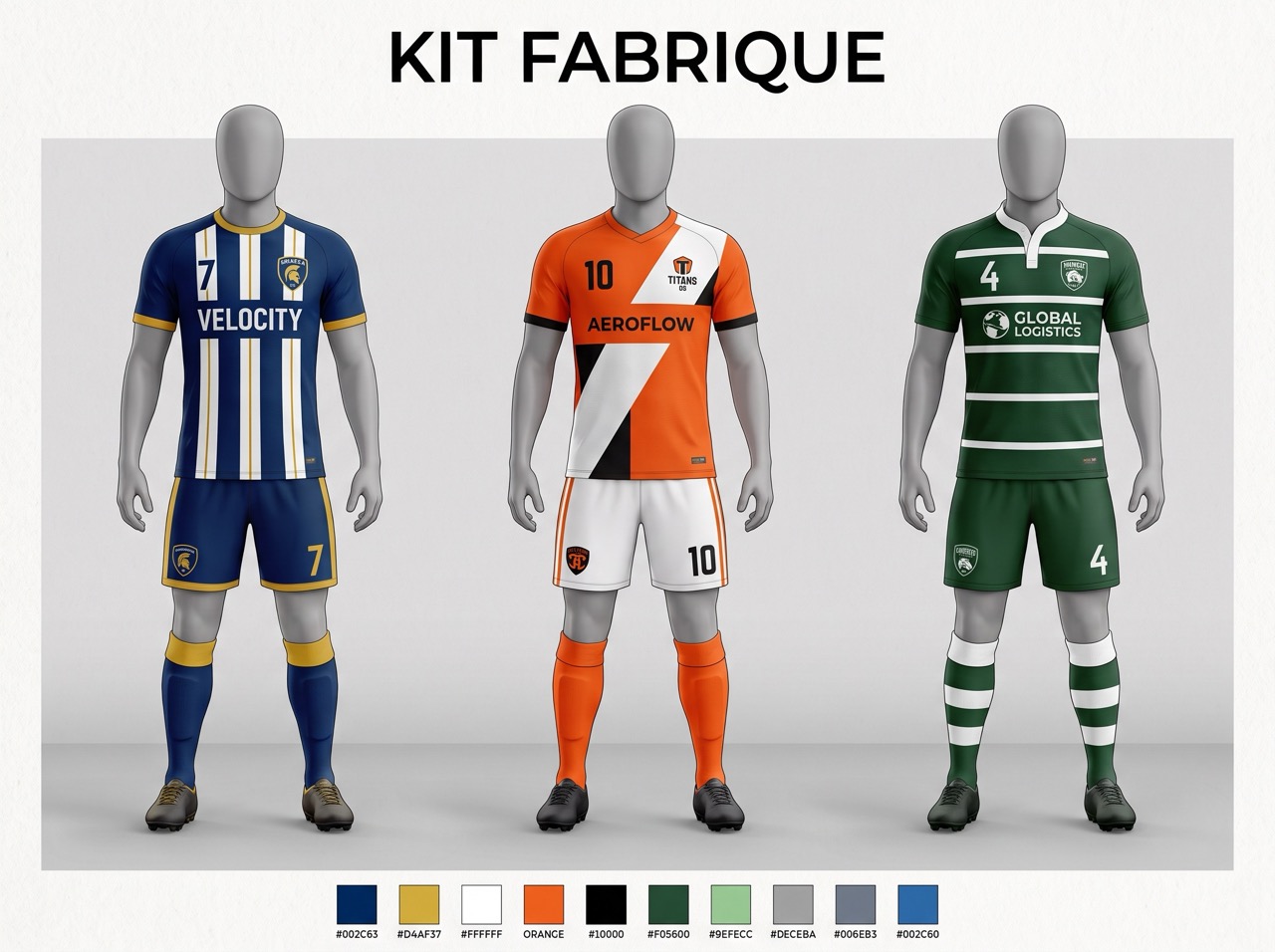
Kit Fabrique Builder
Walk through a sport category, optional historical era, and participant role to assemble a complete athletic uniform — headwear to protective gear — as an AI image prompt or a plain reference description.
- Curated sport categories (Team Sports, Racket, Water, Combat, Winter, etc.)
- Decade-specific historical variants (1920s Vintage to Contemporary technical gear)
- Layer-by-layer outfit constructor (headwear, outer layer, top, bottom, footwear, protective gear, kit bag)
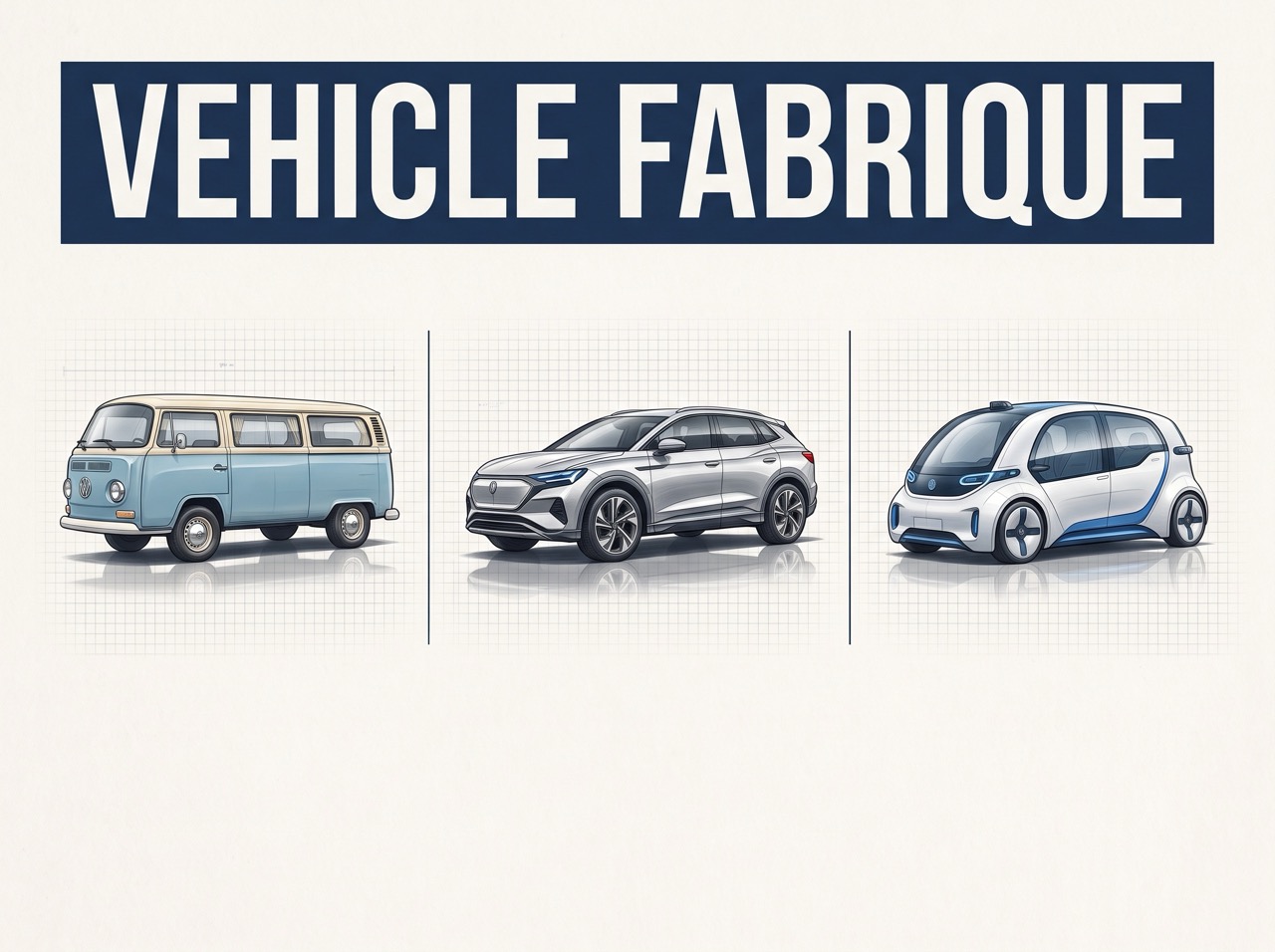
Vehicle Fabrique Builder
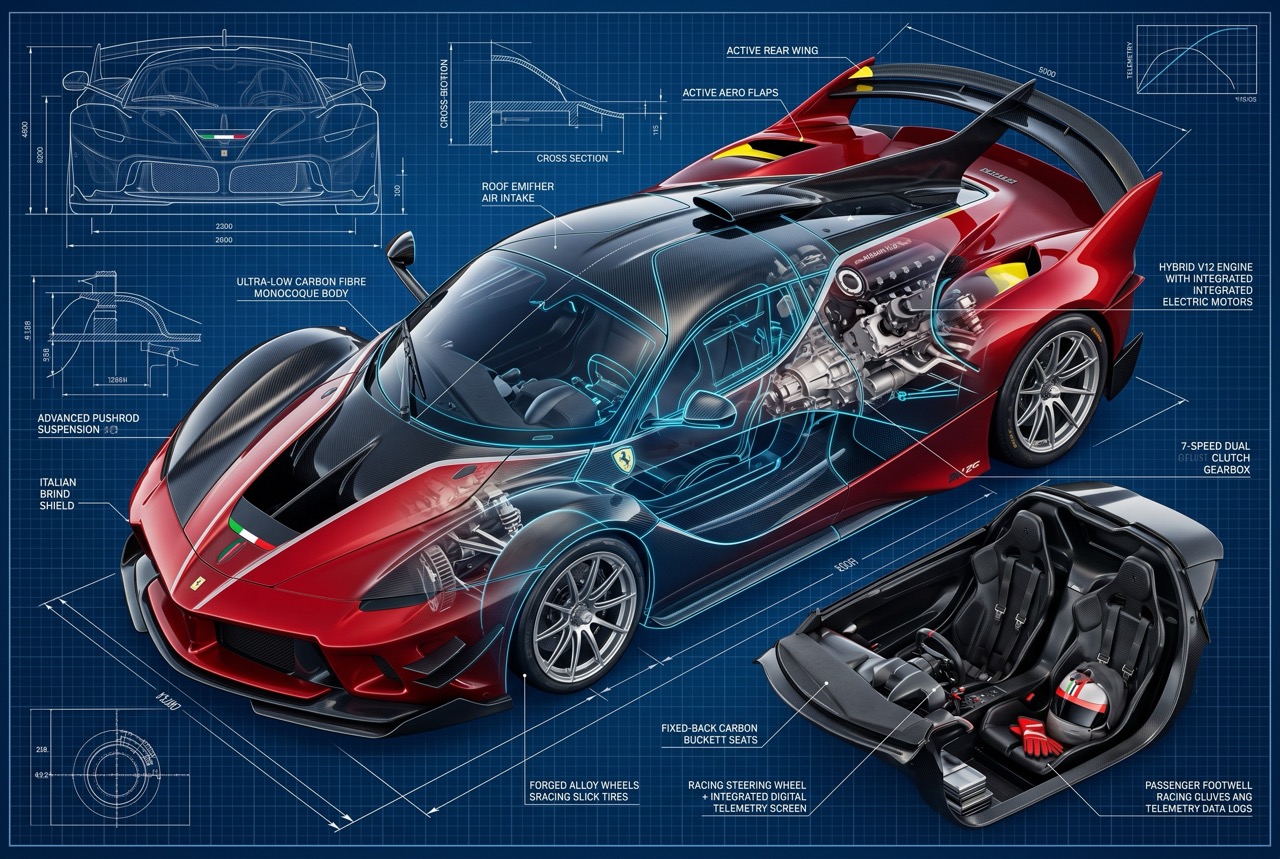
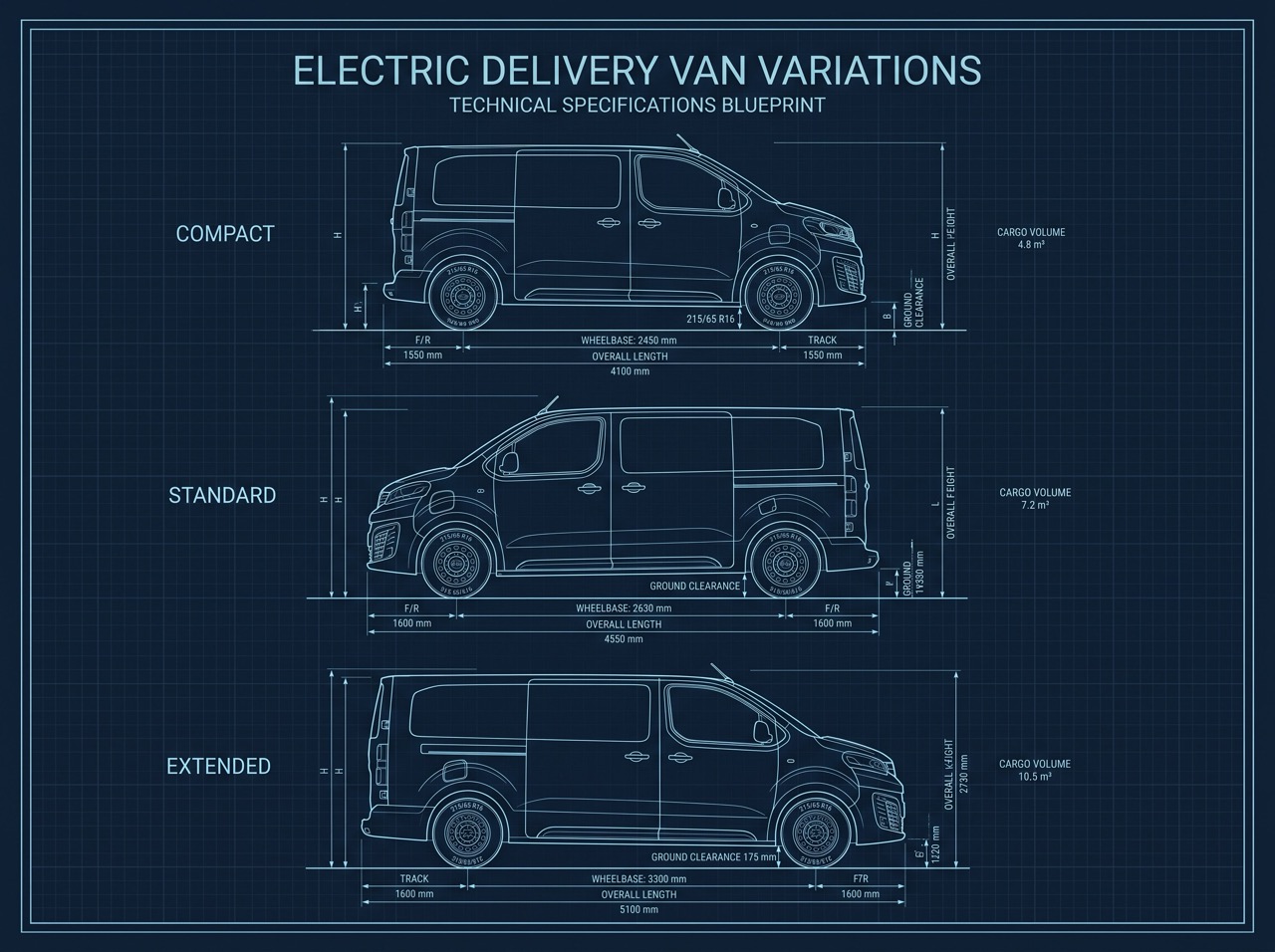
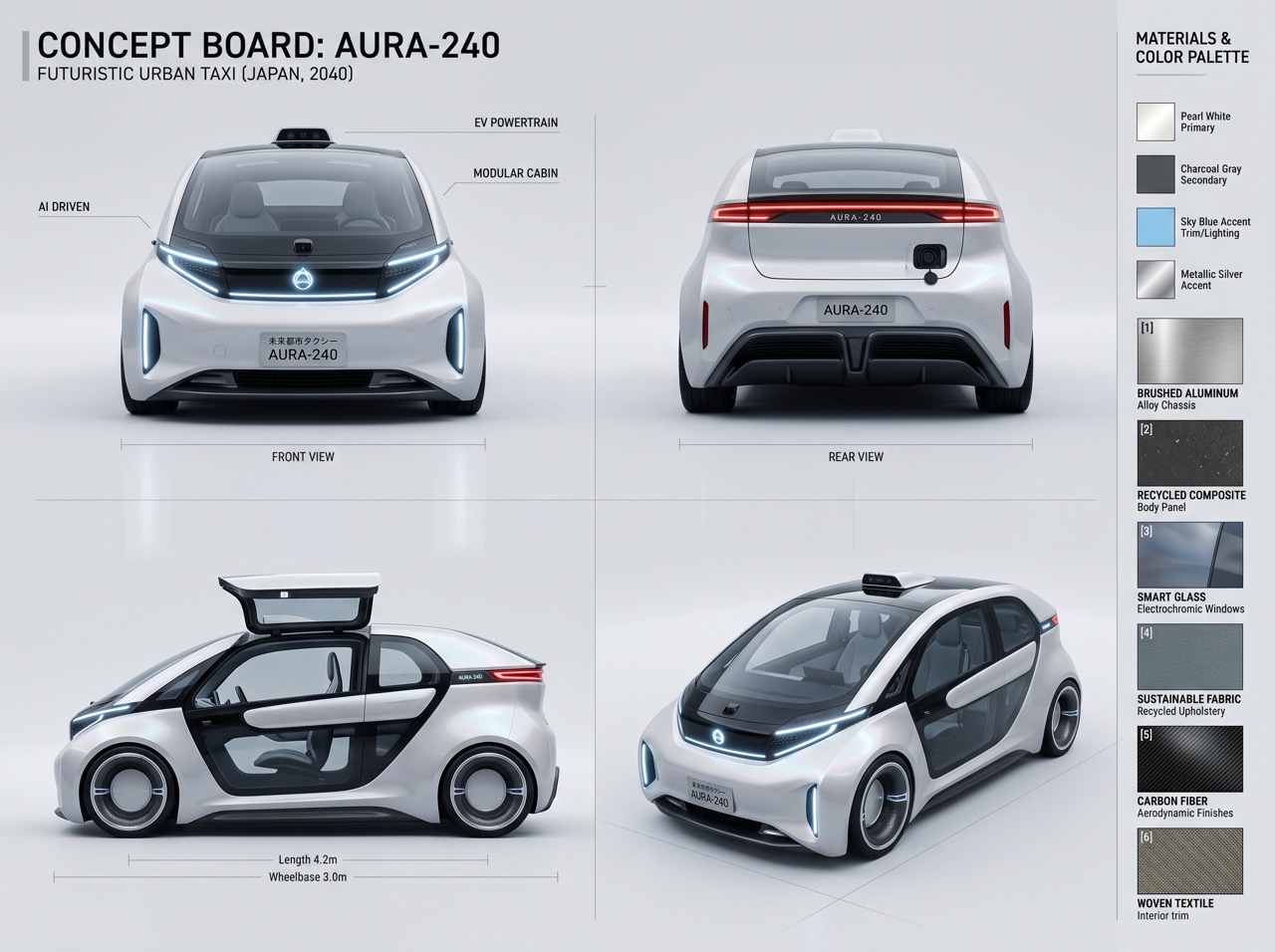
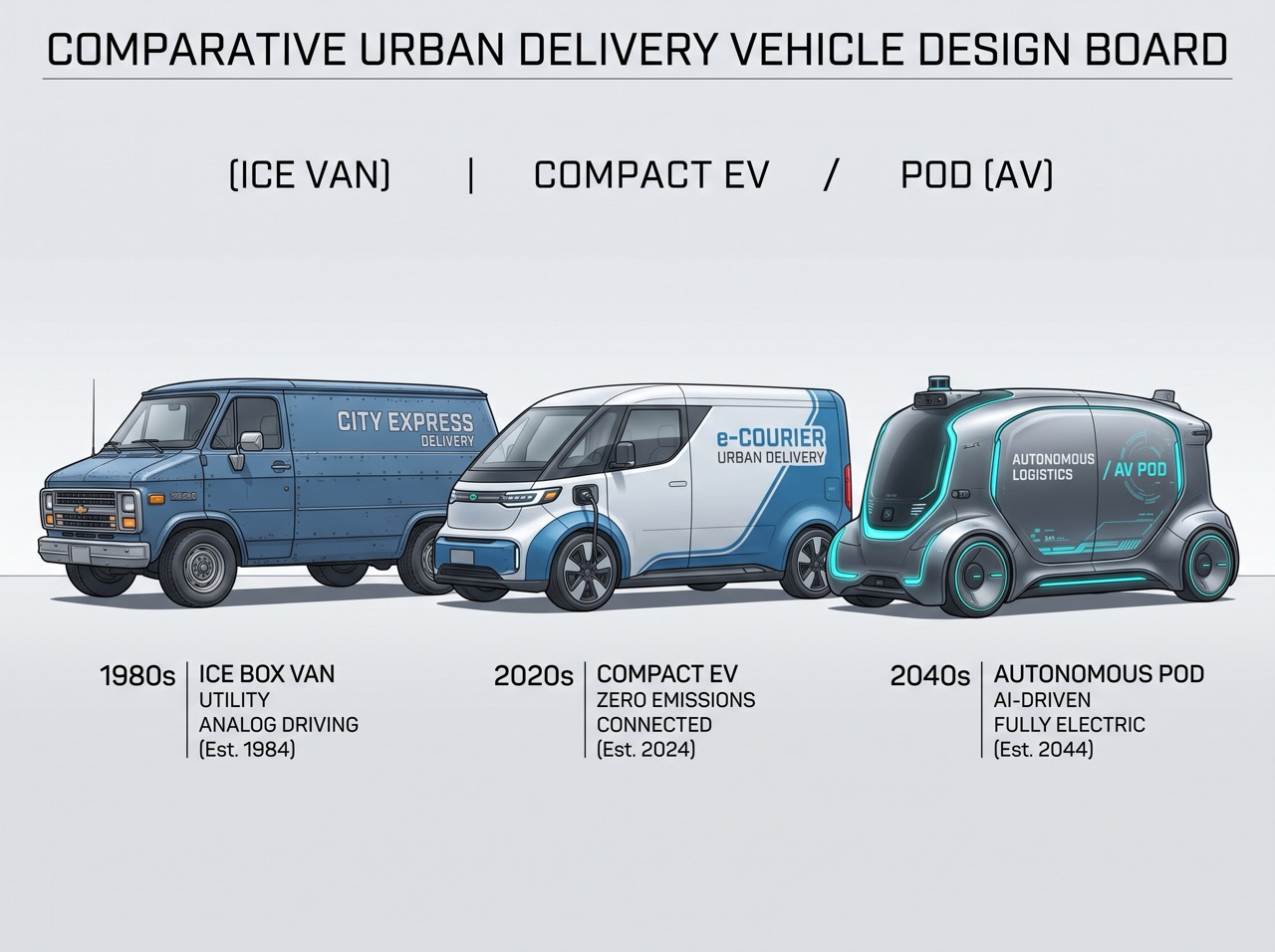
Walk through an era, manufacturer origin, and design role to construct vehicles layer-by-layer. Generate high-fidelity blueprints, concept sheets, or cinematic keyframes as AI prompts or technical specifications.
- 11 Operational Periods spanning Pioneer Flight (1903) to Far-Future Spacecraft
- Curated signature vehicle builds (WW2 fighter planes, 1950s grand tourers, future space frigates)
- 7 technical specifications layers (hull, propulsion, mobility, cockpit, surface, markings, payload)
DrawForge Builder
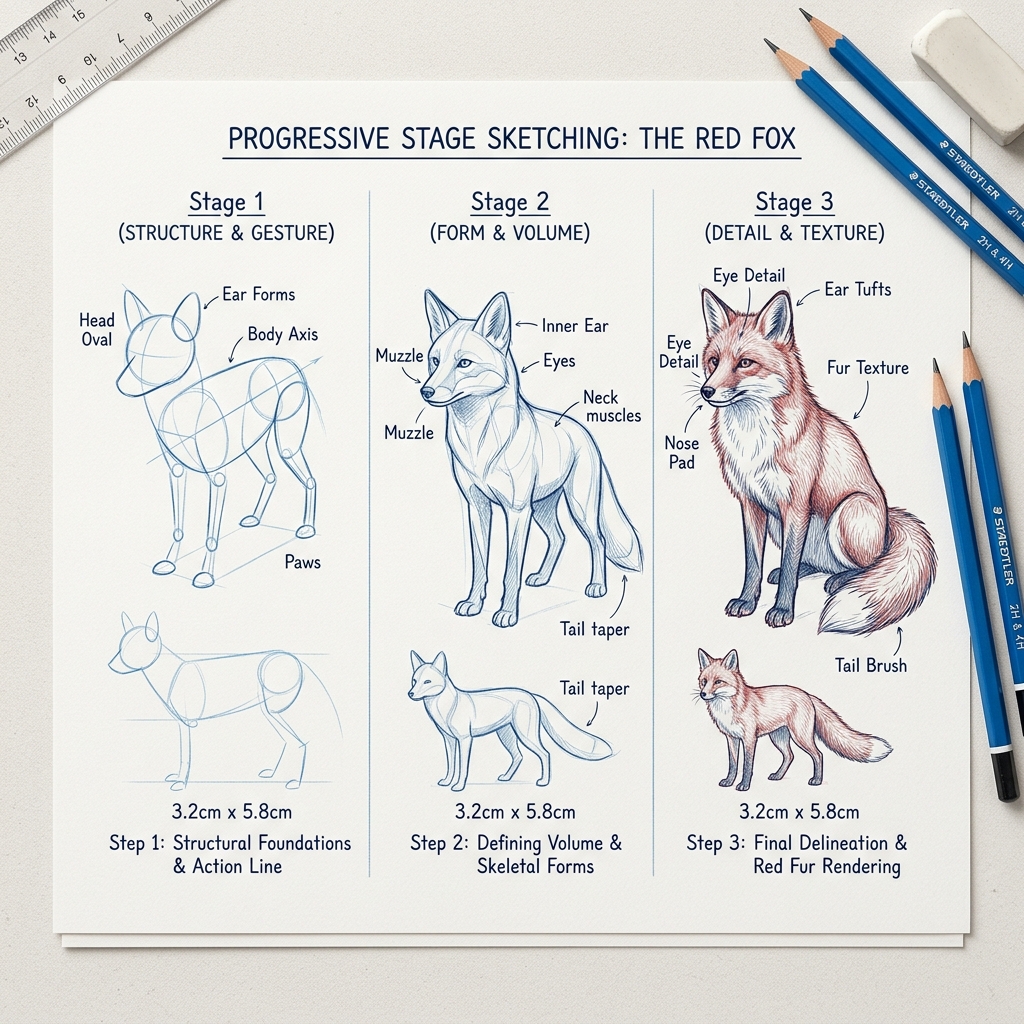
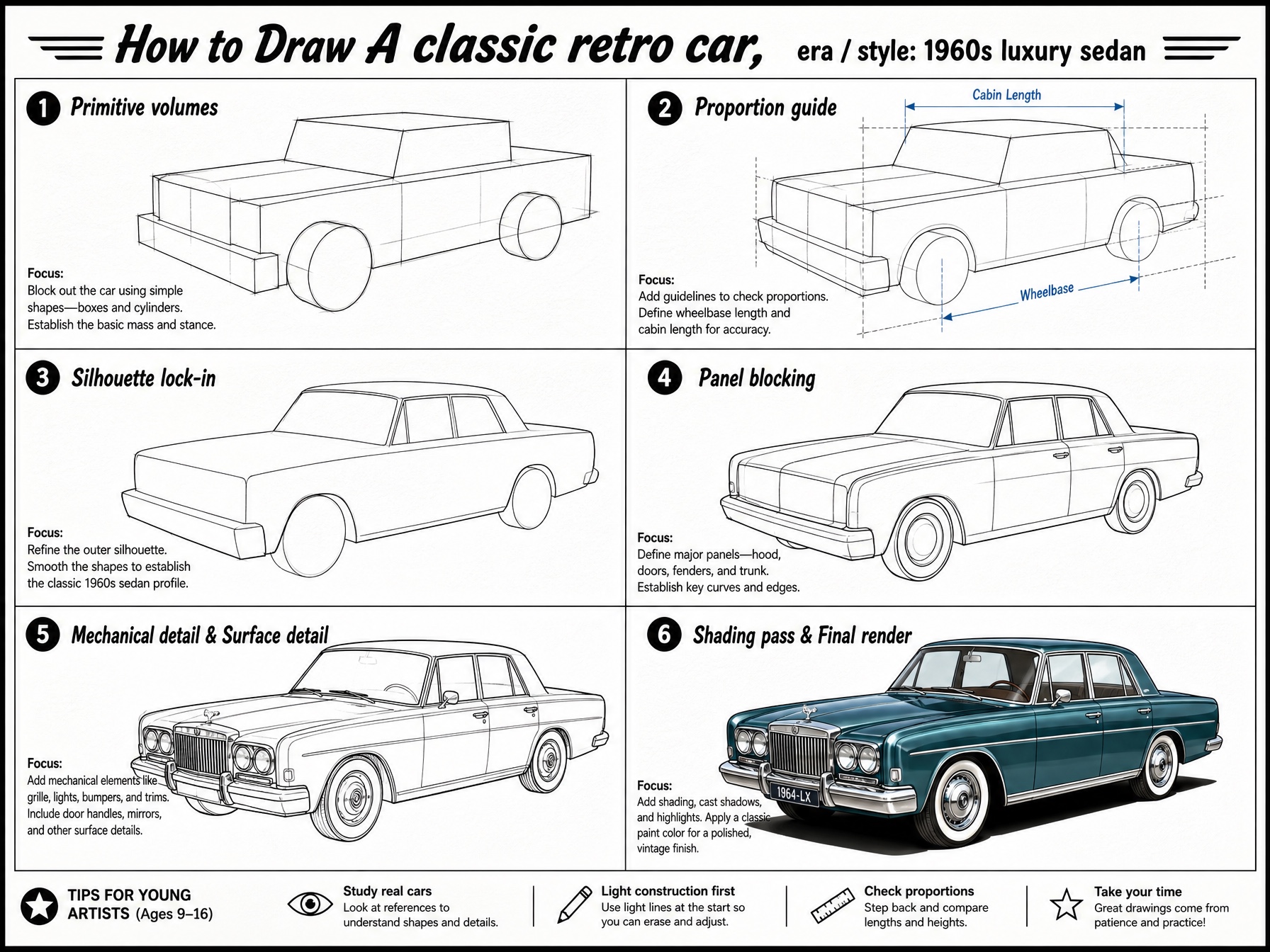
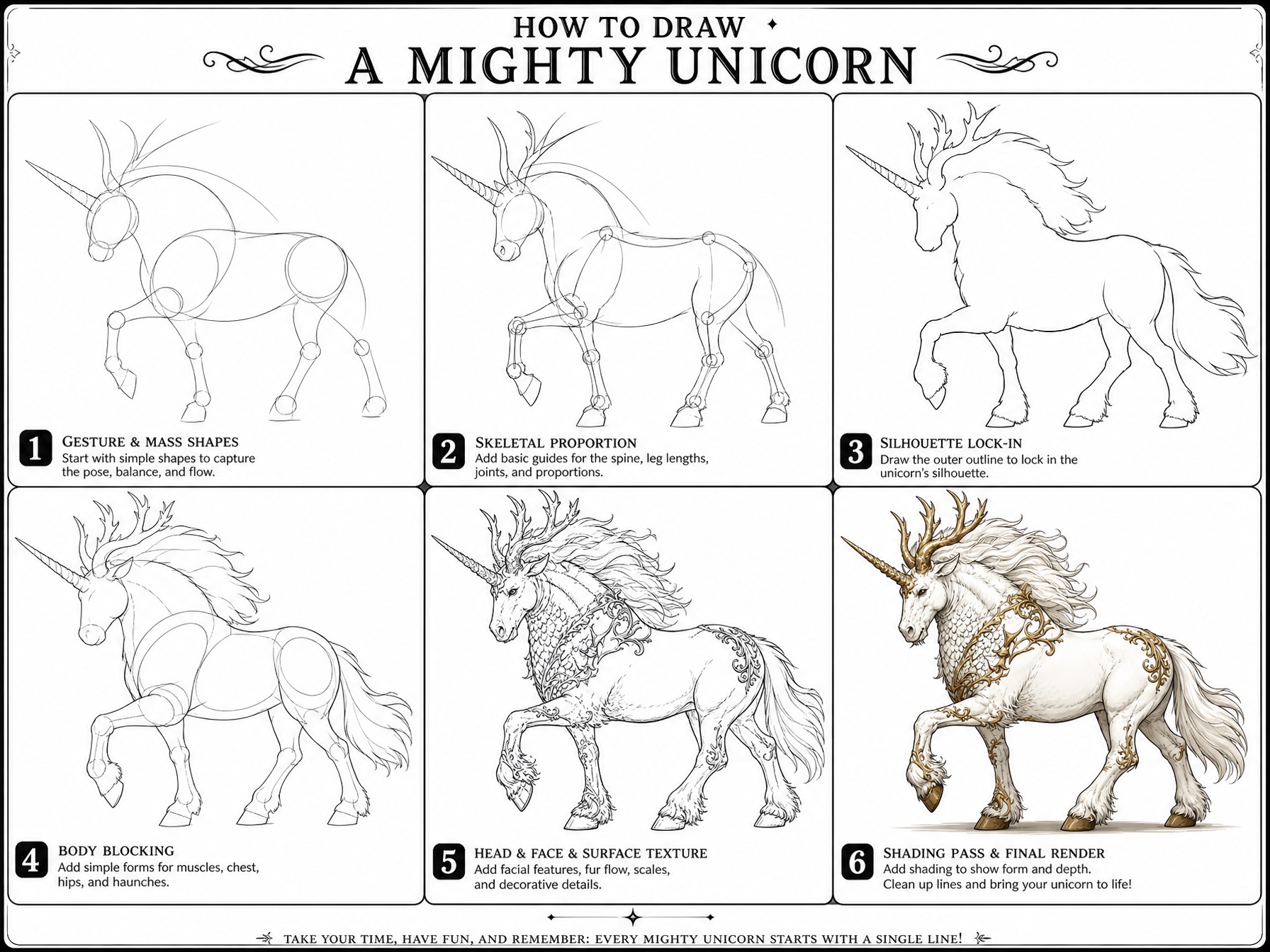
Generate multi-panel “how to draw” tutorial posters with a guided 6-step wizard. Pick a subject category, describe what to draw, choose panel count and audience level, then export a production-ready GPT Image 2 prompt — or anchor it to a reference sketch for pixel-perfect results.
- 8 subject categories: character, animal, vehicle, architecture, plant, food, creature & object
- Reference image anchoring with strength & scope controls, drag-and-drop upload
- 4 visual style presets with SVG previews, variation history, and Markdown export
Multi-View Turnaround Studio
Orthographic & Perspective Wireframes for 3D Modeling
TurnForge Builder
Engineer multi-angle wireframe reference sheets for 3D modeling and sculpting. Upload a concept sketch or photo to anchor silhouettes, pick canonical stance (T-Pose, A-Pose, Dynamic), and output production-ready turnaround prompts with zero proportional drift across camera views.
- Rule-based auto-detection across character, creature, vehicle, prop & architecture
- Inline SVG pose diagrams, customizable view picker, and 6-view poster cap
- Dual output modes: Poster Grid (1 generation call) and Per-View Prompts with companion Topology Overlay